
Latest features
Dashboard item sharing
Dashboard item sharing
Released August 11, 2025
Share any dashboard item with teammates in your account, so everyone can see the same lists
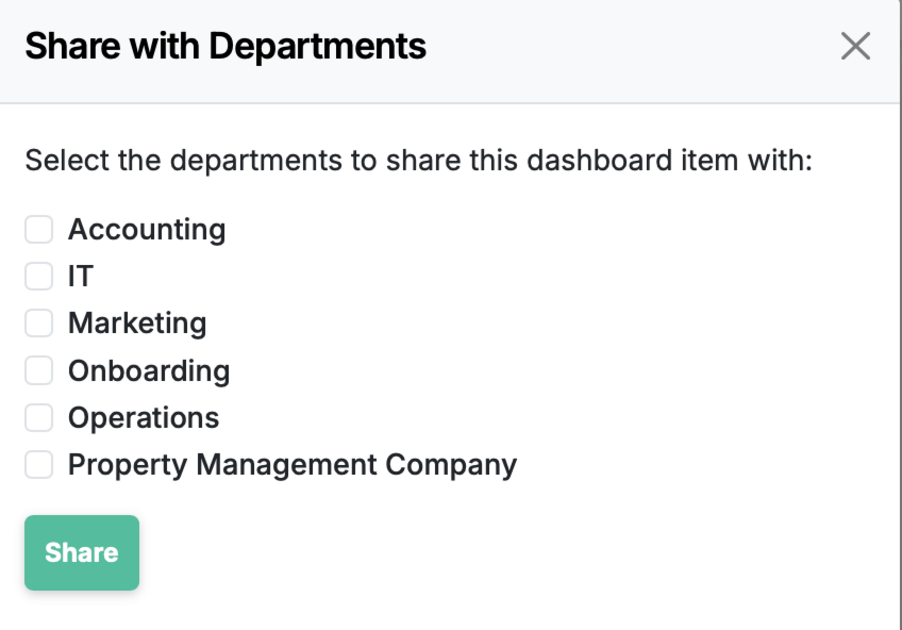
haring is department-only (not individual users), for now..
How to share
- Open your dashboard and click the gear in the upper right. Choose manage..
- Click edit button of the item you wish to share.
- Click the Share button and choose what departments you want to share it with.
Behavior
- All members of the chosen department can view the item and its live data.
- Access honors existing role/permission rules.
- You can change the department or stop sharing at any time.
Dashboard item sharing is live in every account
Open Manifestly to try it, or book a walkthrough with our team.