
Everything we shipped,
in the order we shipped it
New workflow capabilities, reporting, and integrations — with the release date on every one, so you can see exactly how Manifestly has moved.
Manifestly is now a Claude Connector
Manifestly's MCP server has been accepted into Anthropic's Claude connector directory. Add Manifestly to Claude in a couple of clicks — then start runs, complete steps, reassign work, and even author new workflows just by asking.

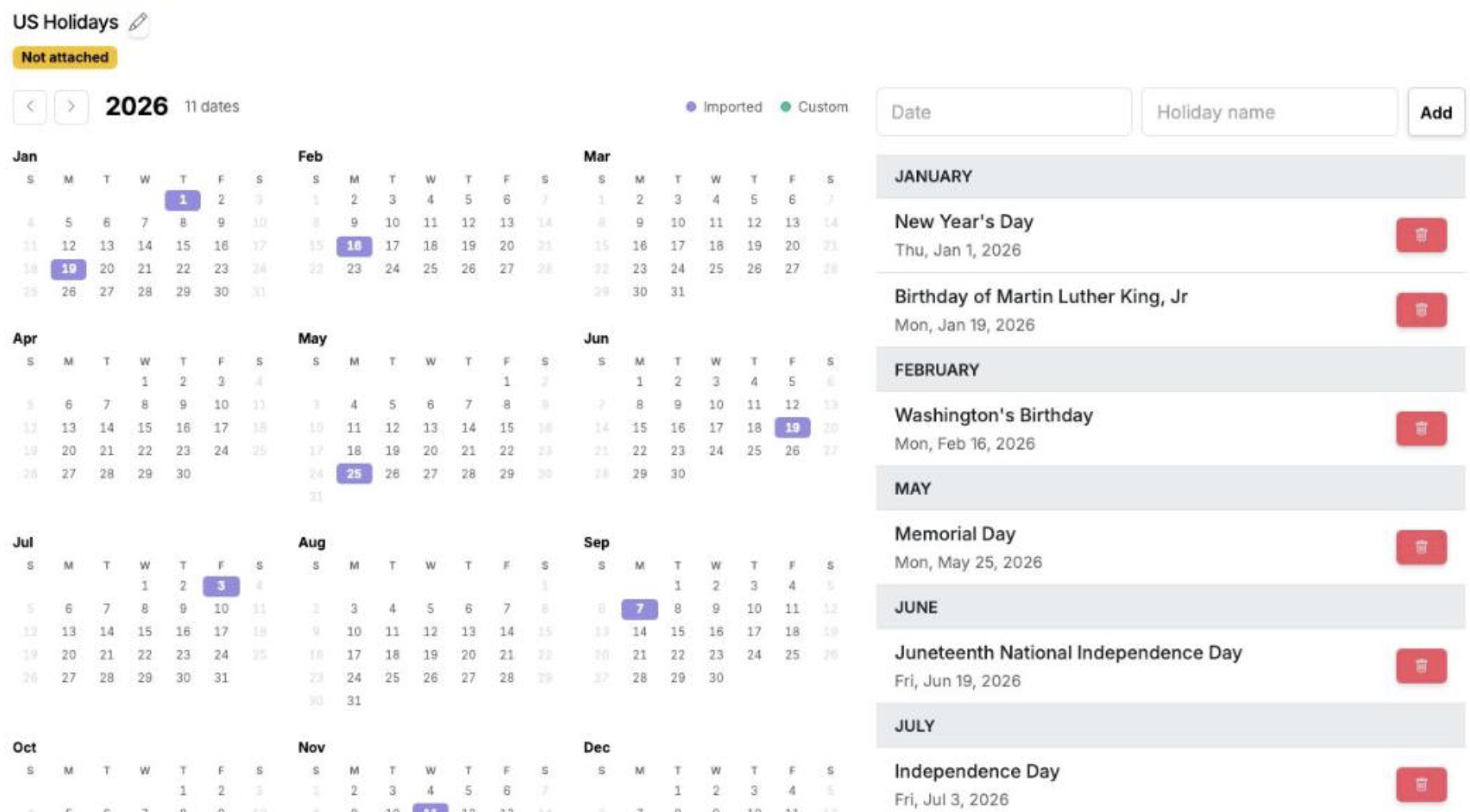
Business Calendars
Give a workflow a holiday calendar and every date it computes learns to skip the days your team is off. Count due dates in business days, snap dates off weekends and holidays, and move or skip recurring runs that fall on one.
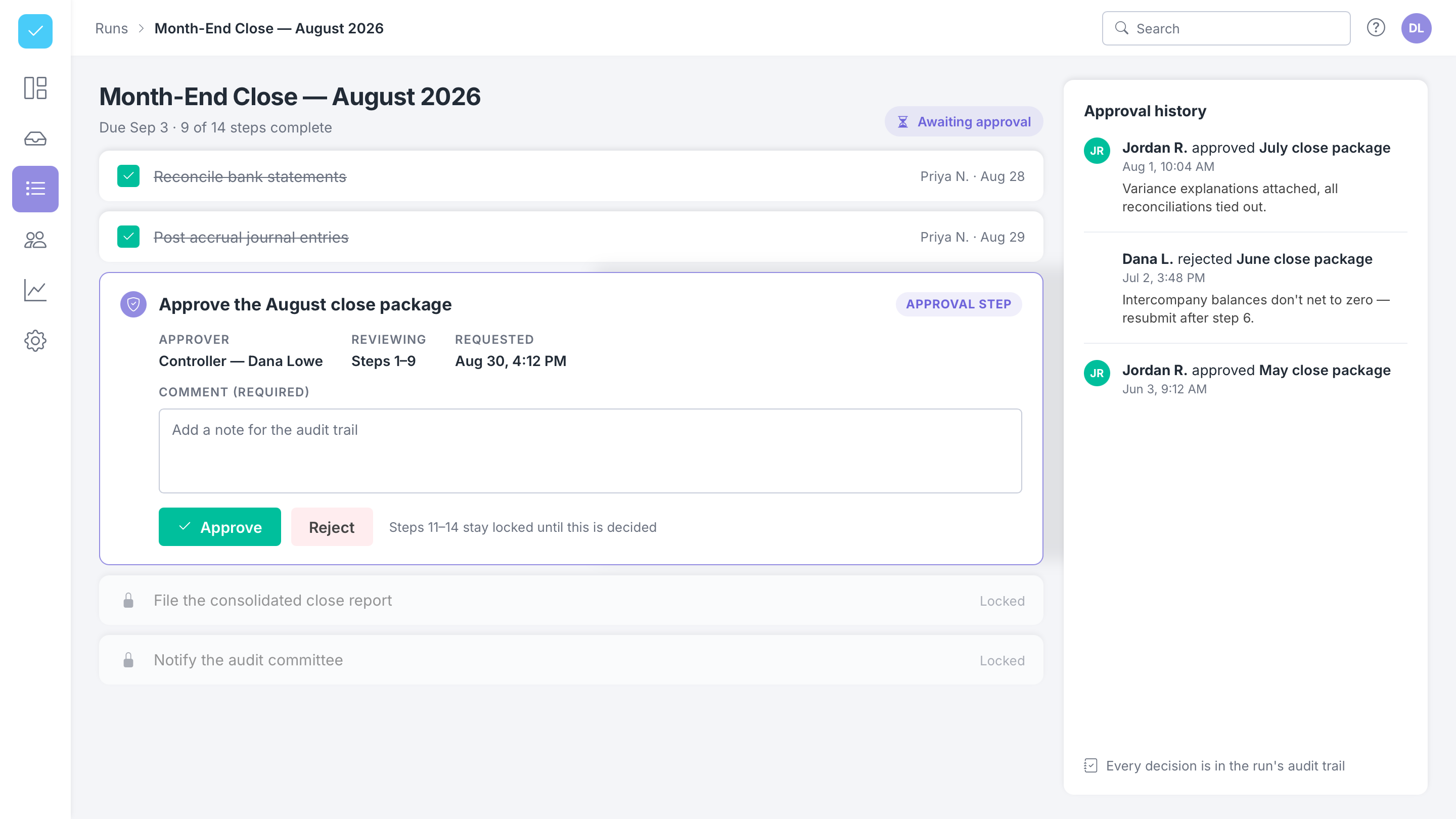
Workflow Approvals
Add a required sign-off to any step in a run. The steps behind it stay locked until an owner approves or rejects, and every decision is recorded with who signed off, when, and why.
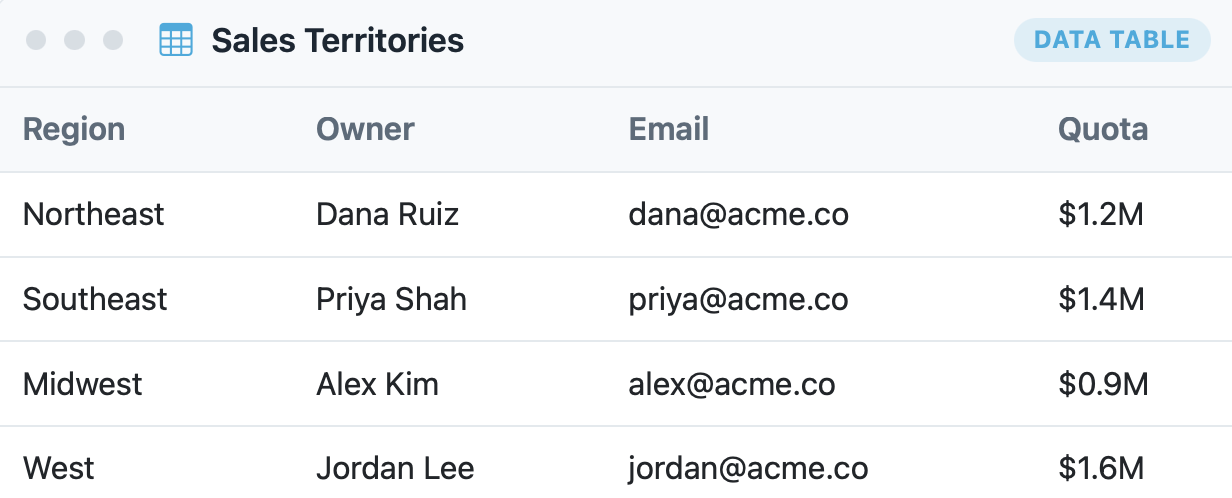
Data Tables
Keep your reusable reference data — customers, sites, SKUs, price lists — in Manifestly and pull it straight into your workflows. Choose one row in a run and the rest of that row auto-fills your other fields.
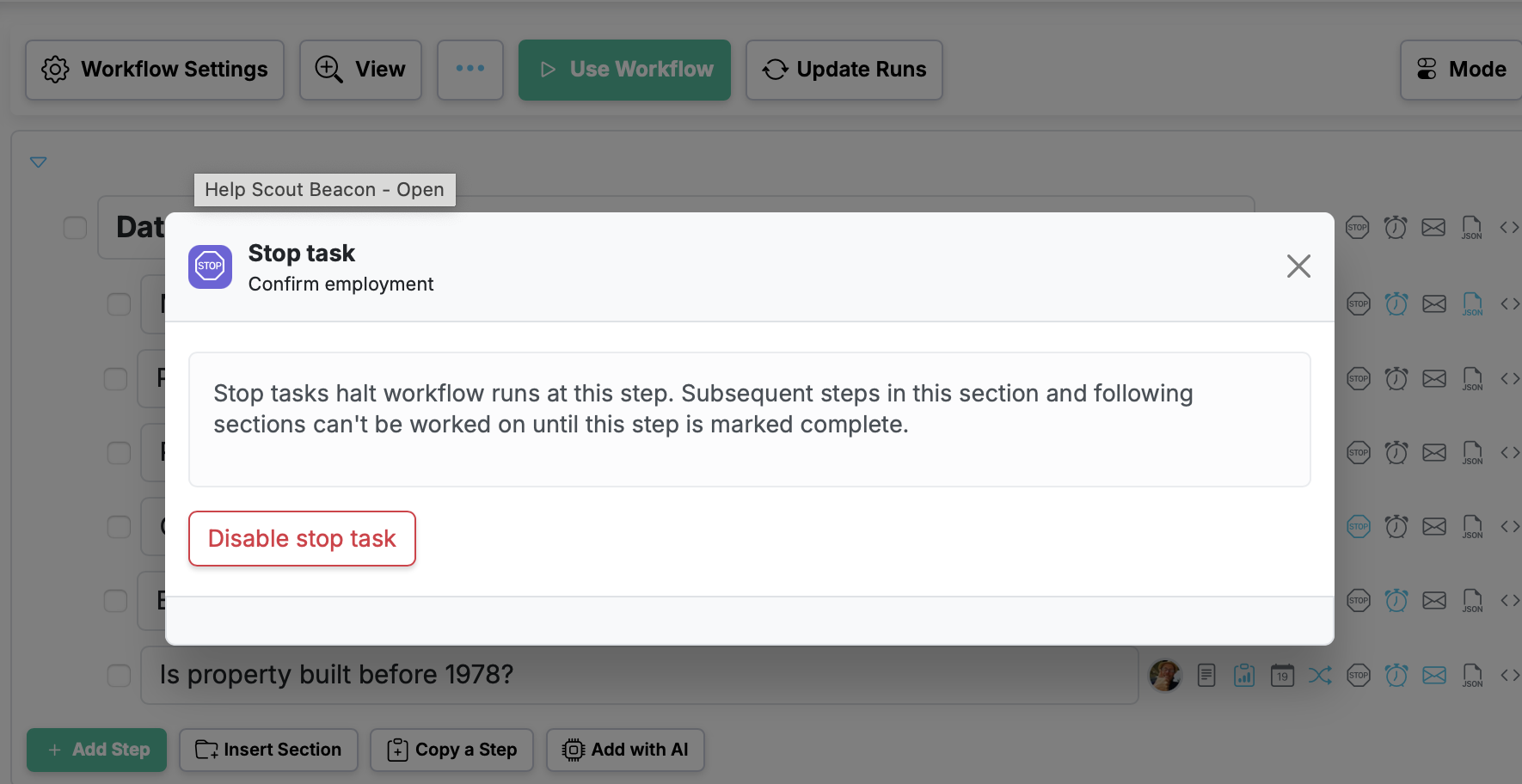
Workflow Stop Tasks
Set up stop tasks to halt the flow of a run until a specific step is completed, so later work can't start before the right checkpoint is done.
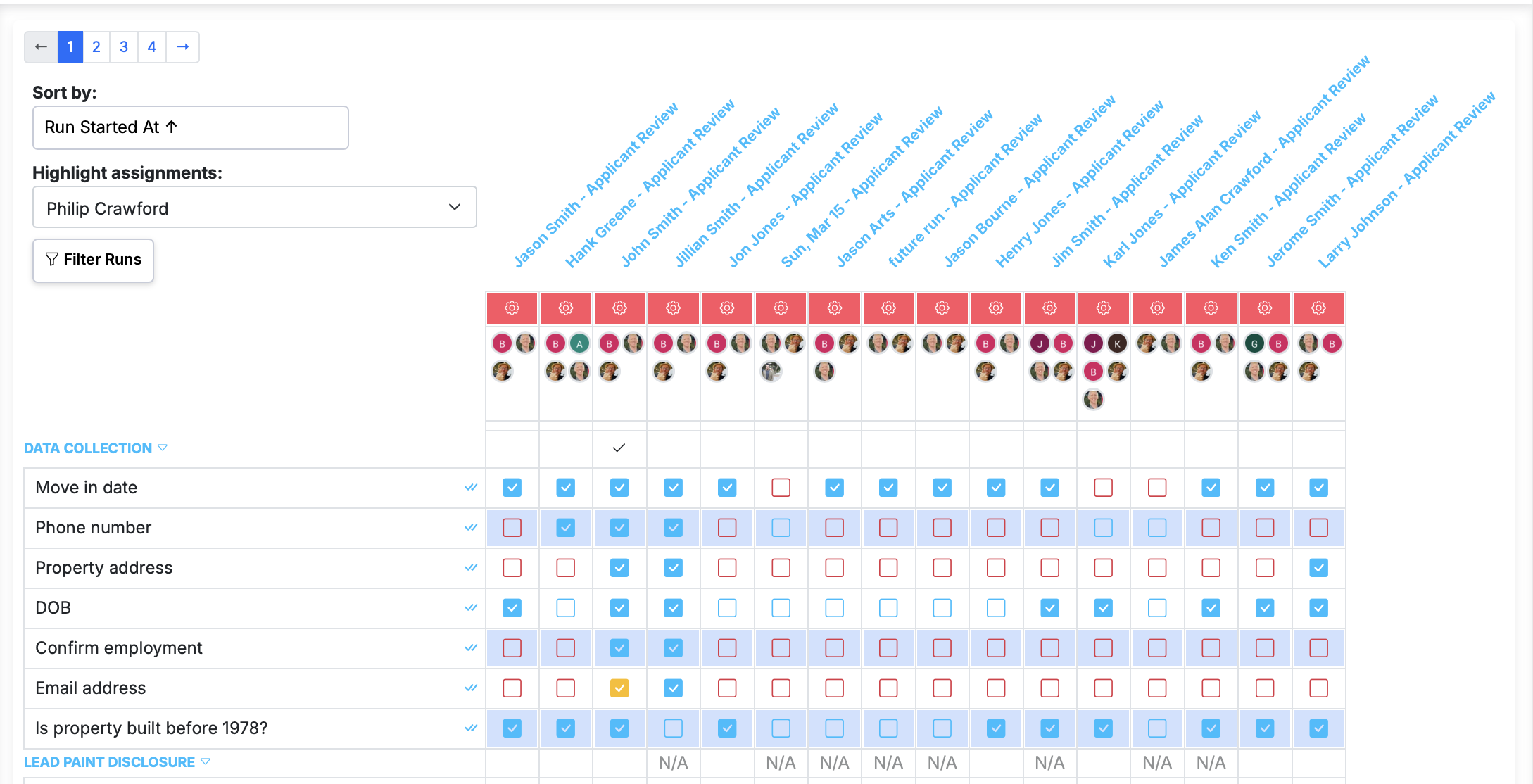
Bulk complete a step from the run summary page
Complete the same step across every visible run in one click, right from the run summary page.
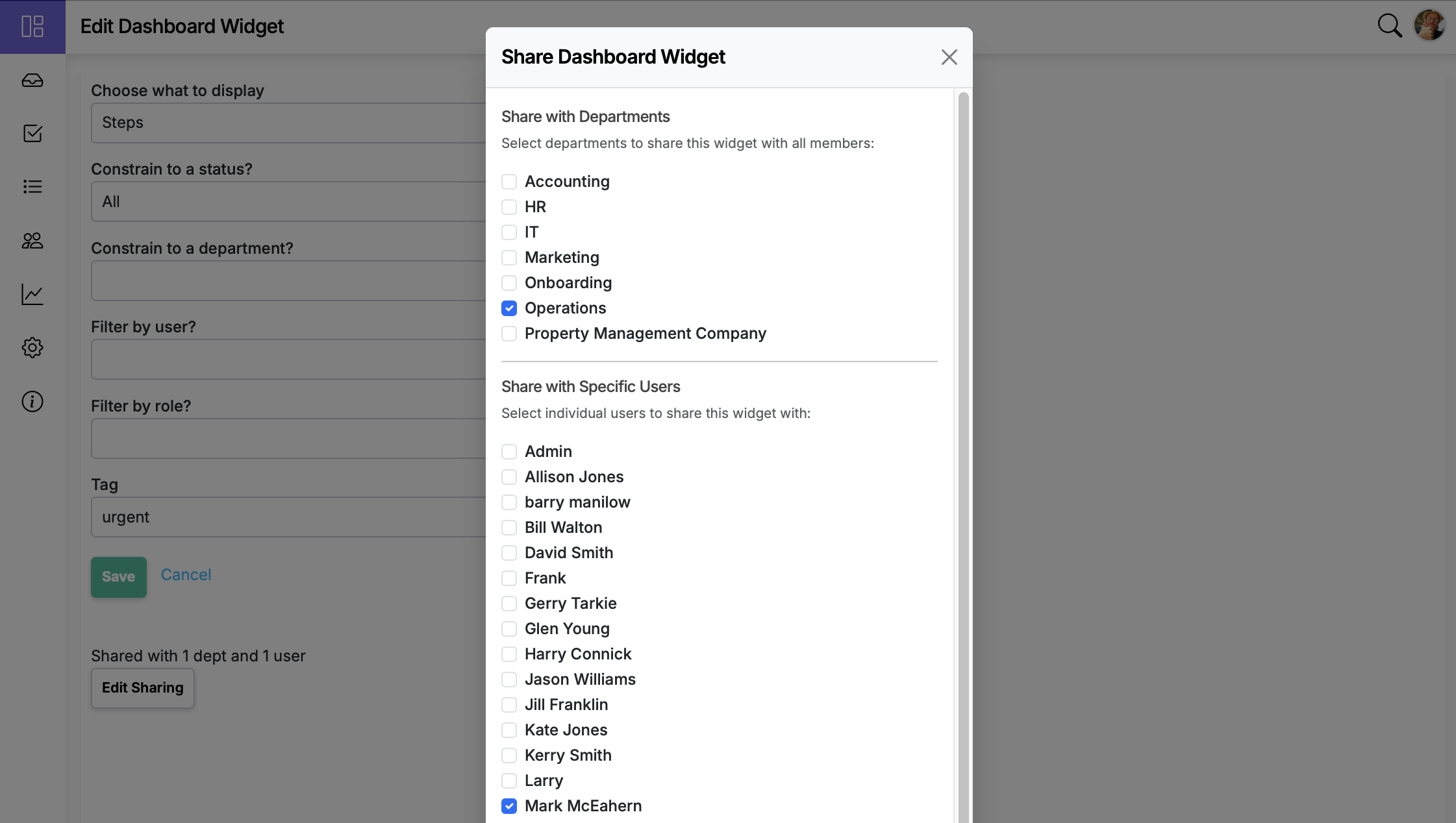
Share dashboard items with specific users
Dashboard item sharing now supports sharing with individual users in addition to departments.
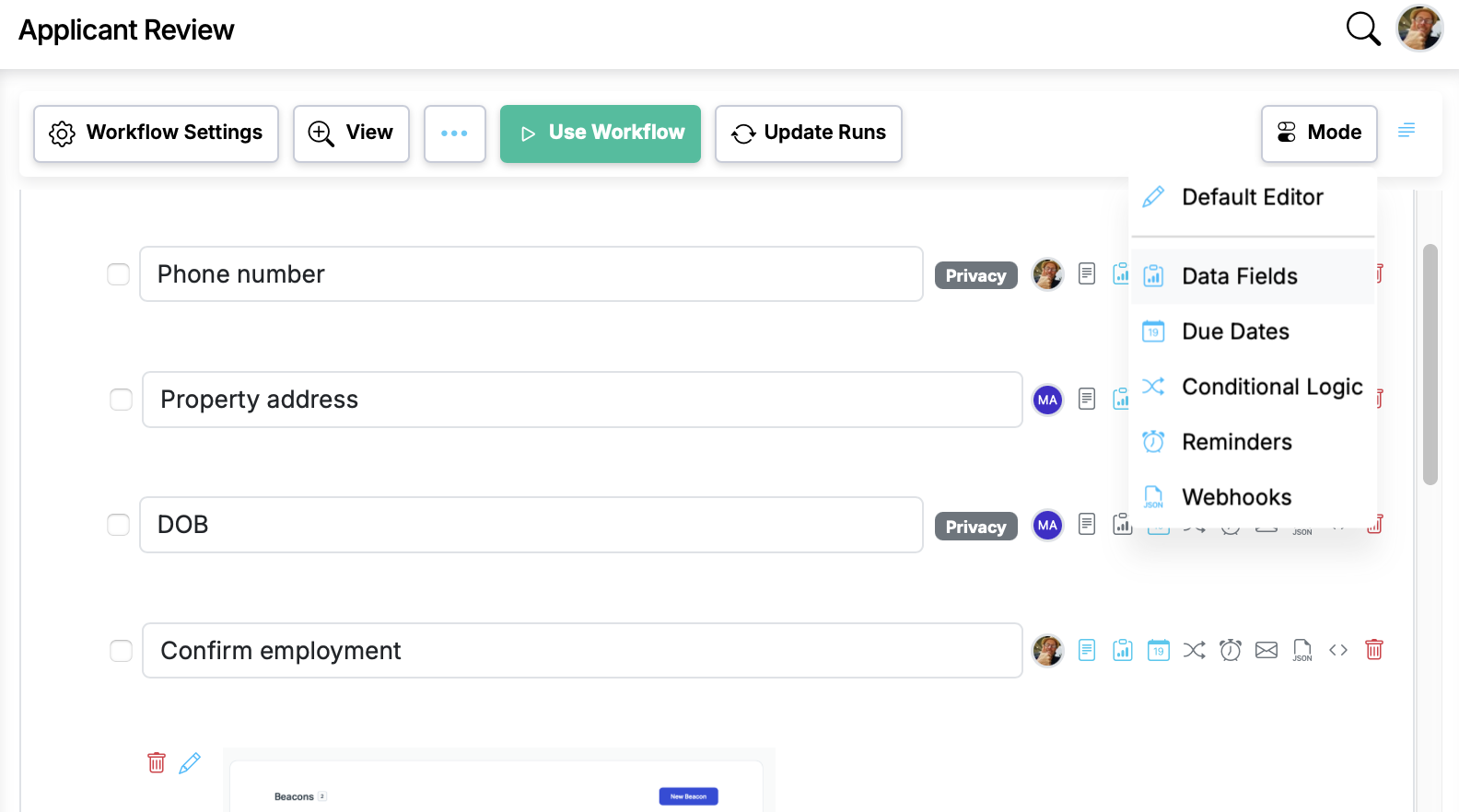
Workflow editor modes for focused workflow editing
Introduces a modes system that lets users focus on one dimension of their workflow at a time (Data Fields, Due Dates, Conditional Logic, Reminders, Webhooks). A dropdown in the editor toolbar switc...
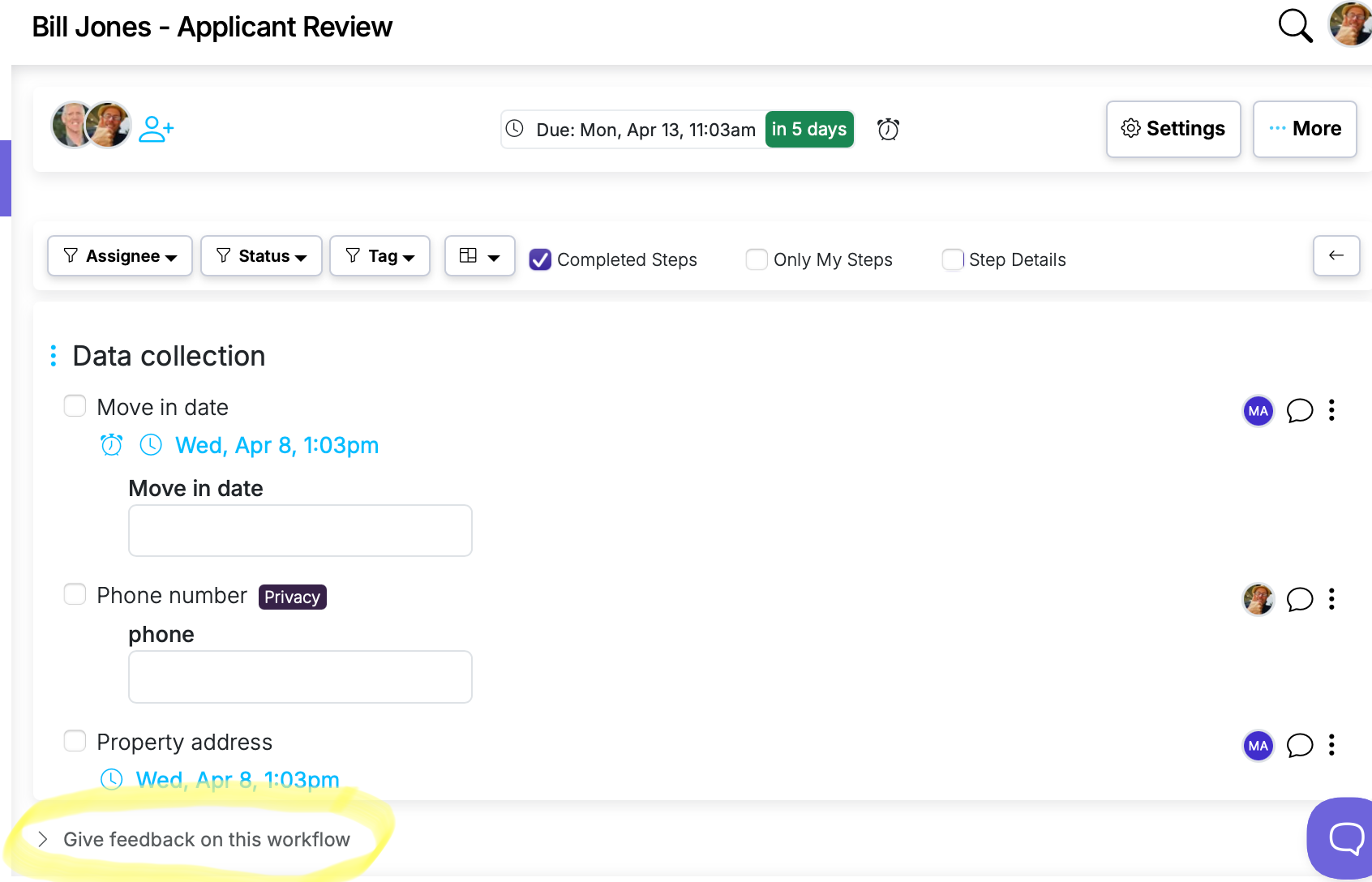
Built-in Workflow Feedback Setting
Give your team a simple way to suggest improvements to any workflow — right from the run.
Workflow Reporting Updates
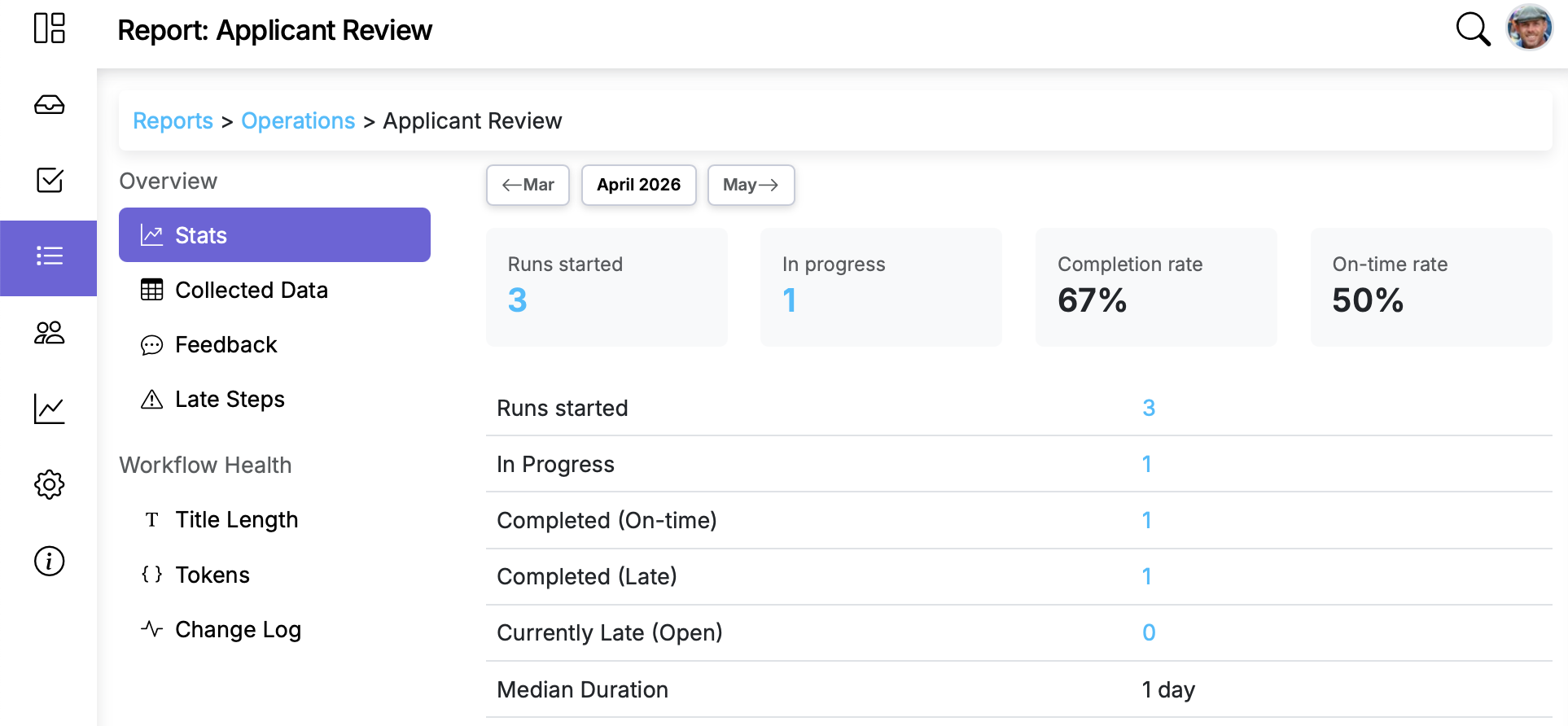
See what's working and what's not, workflow reports now surface late steps, token usage, title patterns, and let you download the data data collected in the runs for easy access to workflow run data.
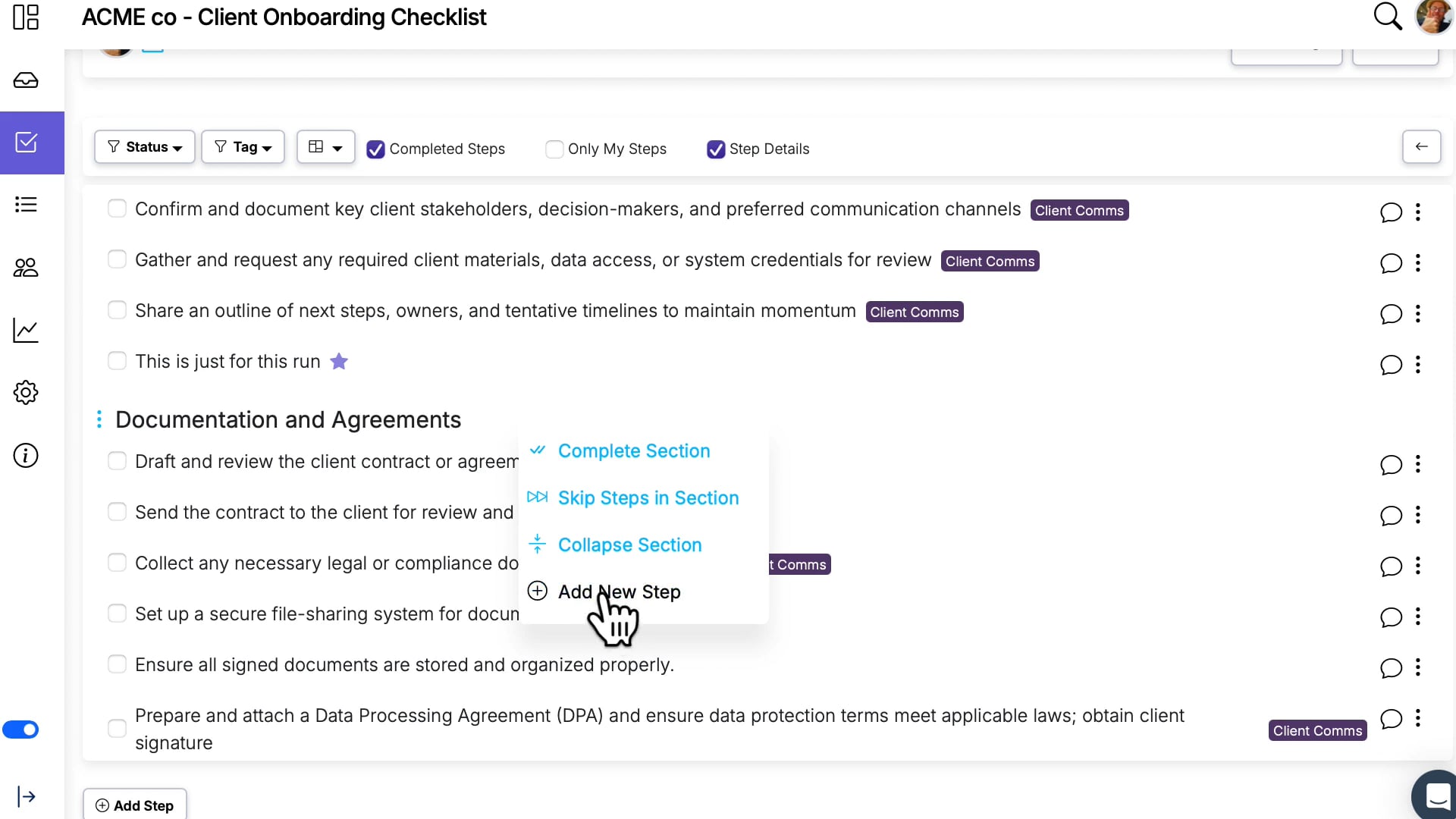
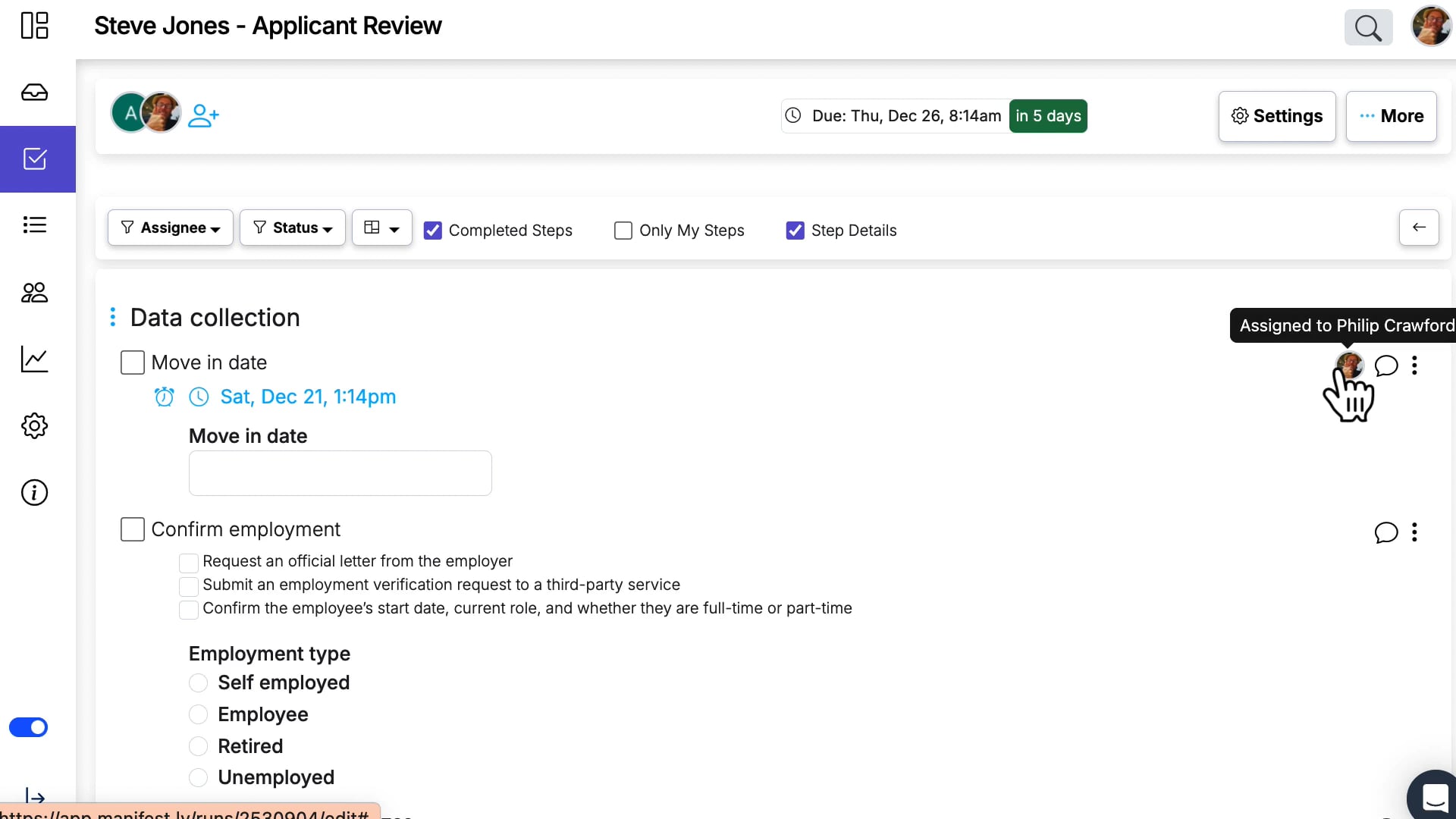
Add ad hoc steps to workflow runs
You can now add ad hoc steps to a run—without breaking future workflow updates. When this workflow setting is enabled, runs can include steps that don’t exist on the workflow, and they’ll be safely preserved during workflow edits.
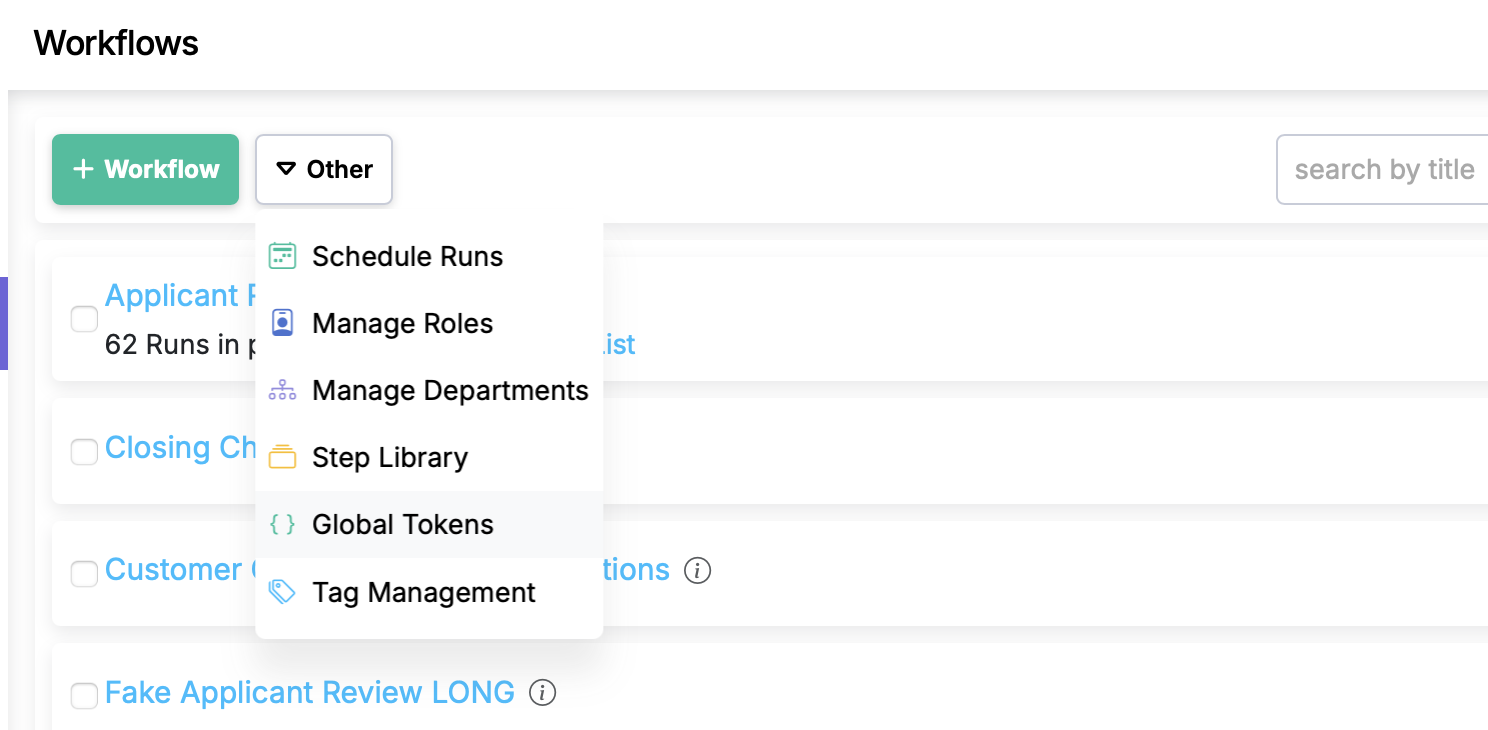
Global Tokens for Workflows
Define reusable tokens for your organization and then use these key/value pairs across any workflow without hardcoding values.
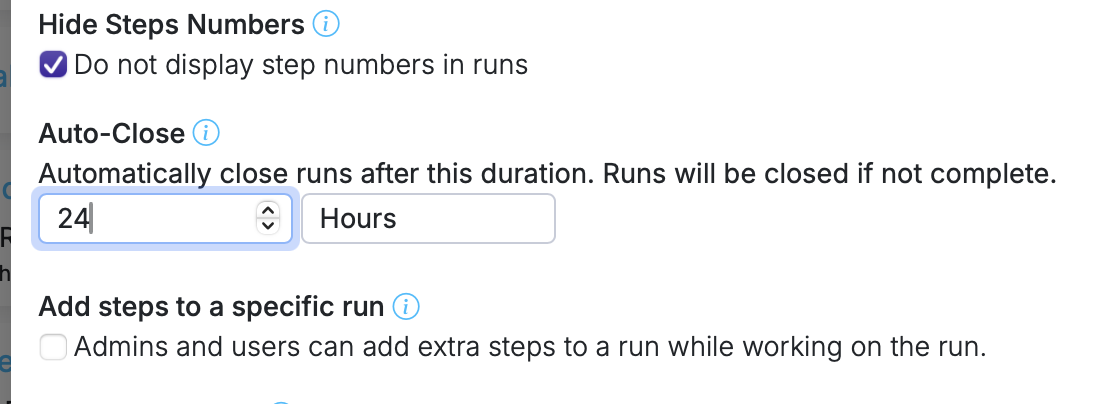
Auto-close runs
Automatically close runs after a set period so stale runs don't pile up.
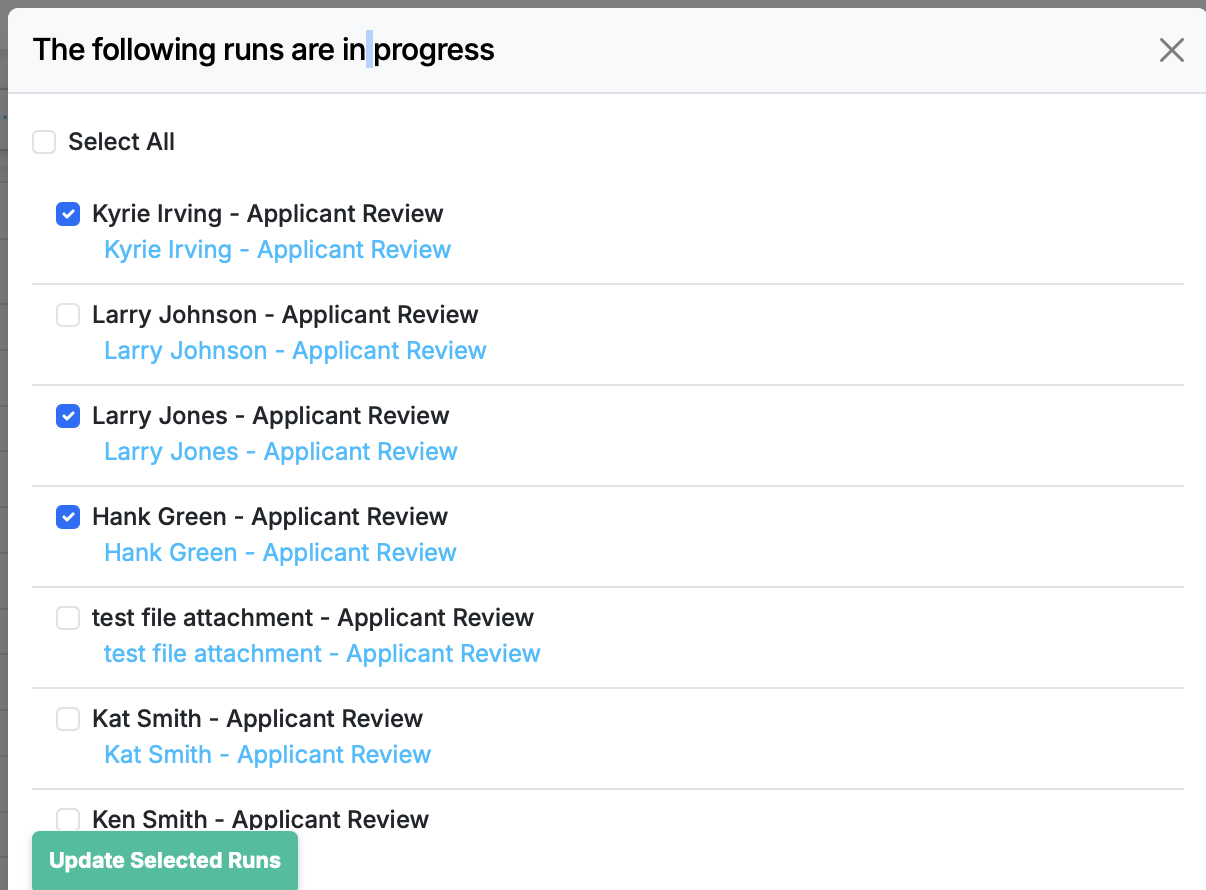
More Control Over “Update Runs”
Now when you click Update Runs, you can choose exactly which eligible runs to update—so you stay in control of what changes, and when.
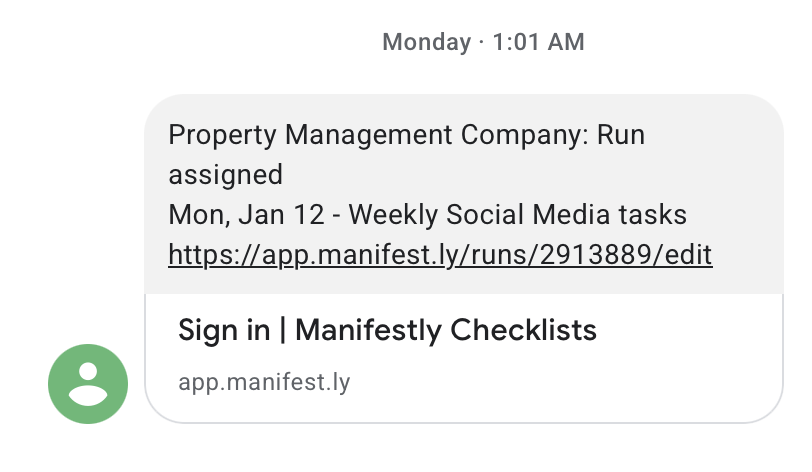
Configure SMS Notifications
Never miss a critical workflow moment. Manifestly can now send text messages for important activity like new runs, new assignments, mentions, reminders, and late/at-risk work.
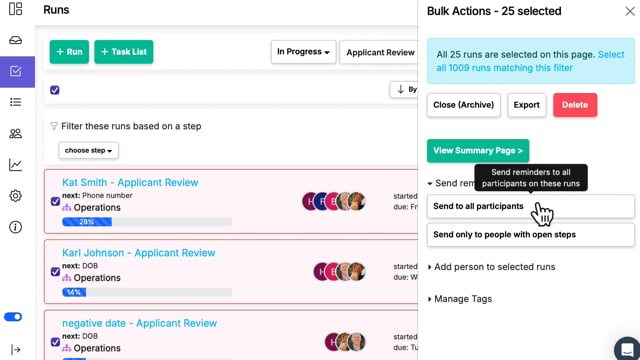
Targeted Bulk Reminders on Runs
Ability to send bulk reminders to only users who have open steps in the selected runs.
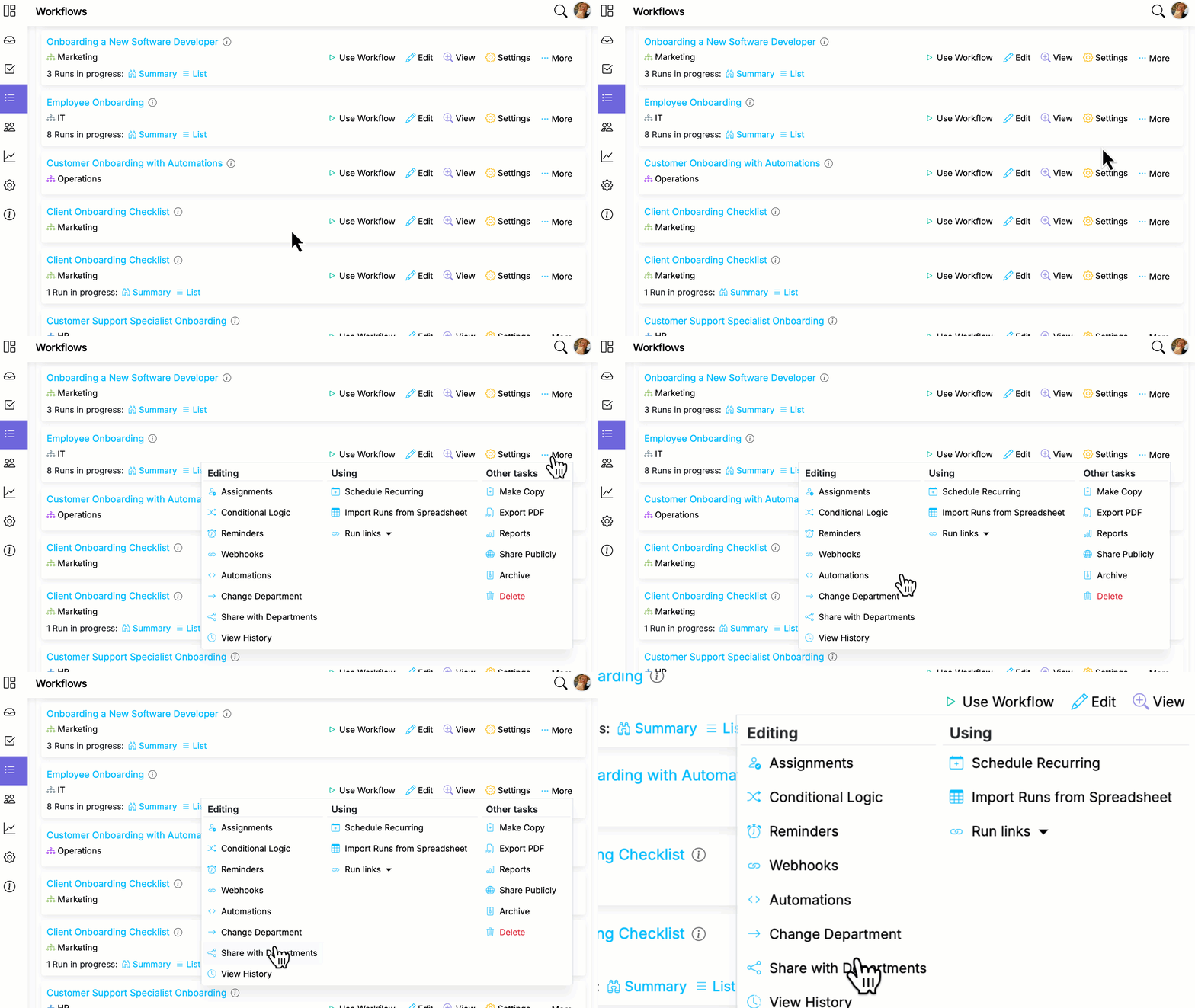
Workflow Sharing
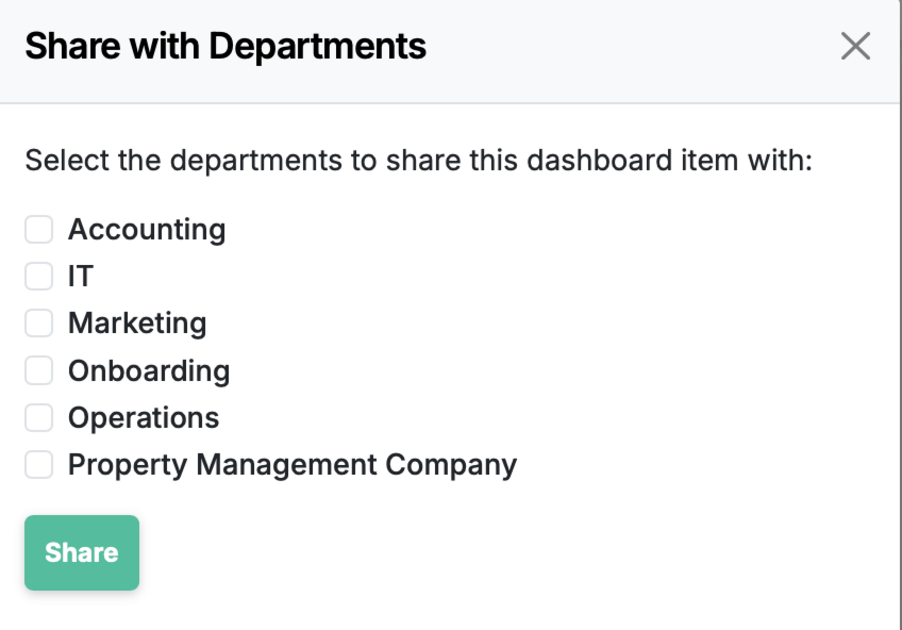
Share workflows into multiple departments, allowing runs in other departments while maintaining a central version.
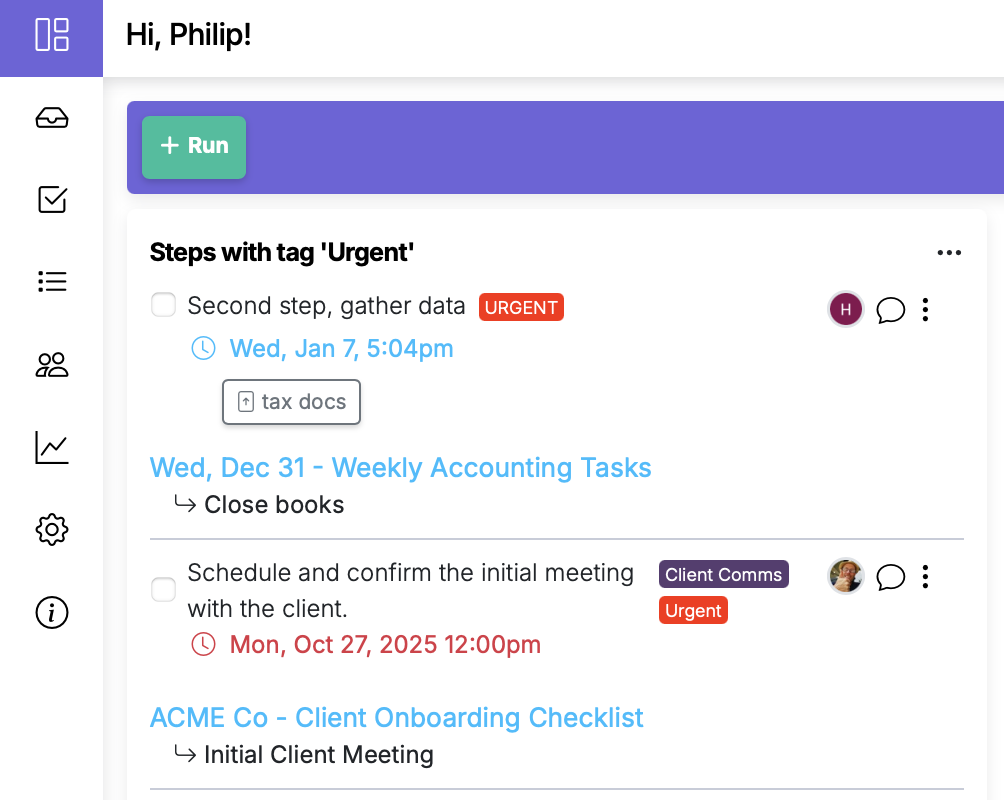
Track Tagged Steps in the Dashboard
Dashboard items can now track steps by tag—not just runs. If you’re tagging work as urgent, you can surface those tagged steps right on your dashboard for a faster, clearer view of what needs attention.
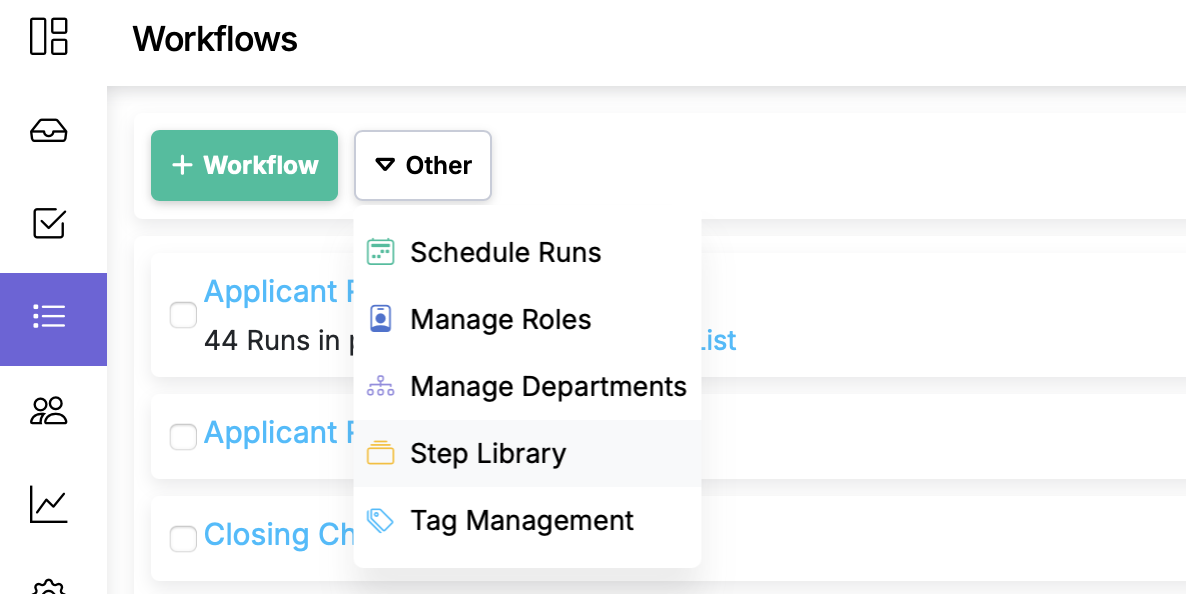
Reusable Step Library
Create and curate reusable steps—with instructions, fields, tags, and rules—that teams can insert into workflows to ensure consistency and speed.
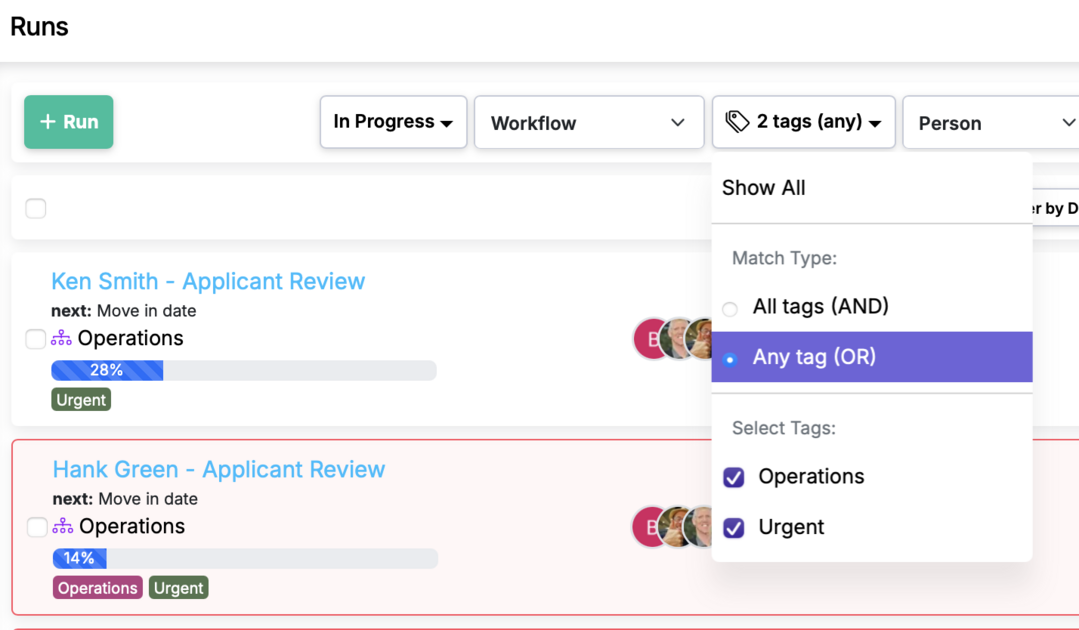
Multi-tag filtering with AND/OR logic
Filter runs by multiple tags with precise AND/OR logic to zero in on exactly what you need
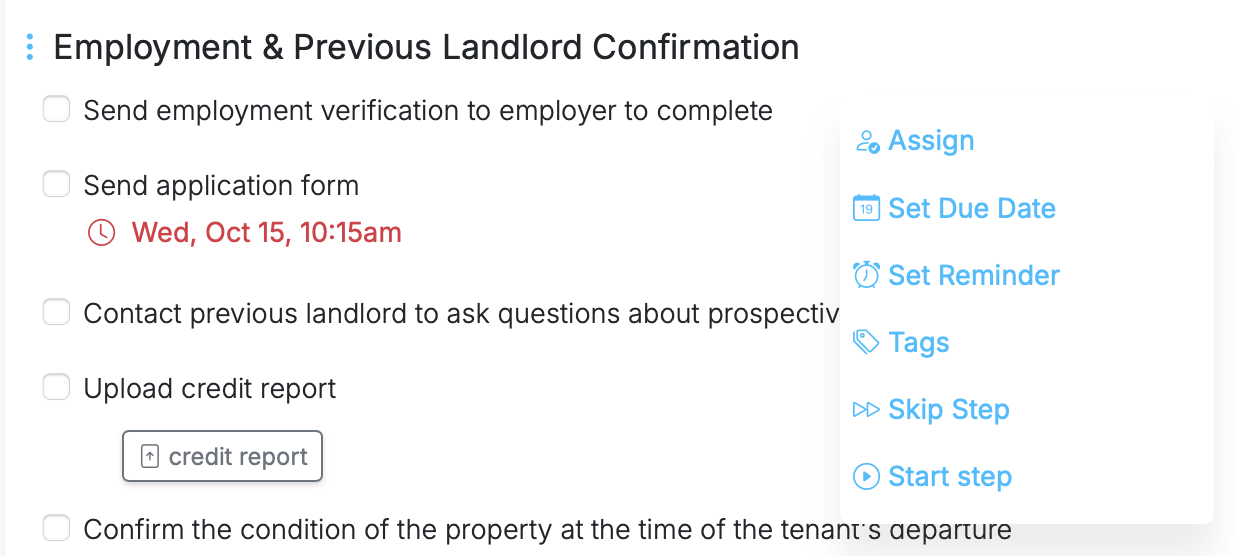
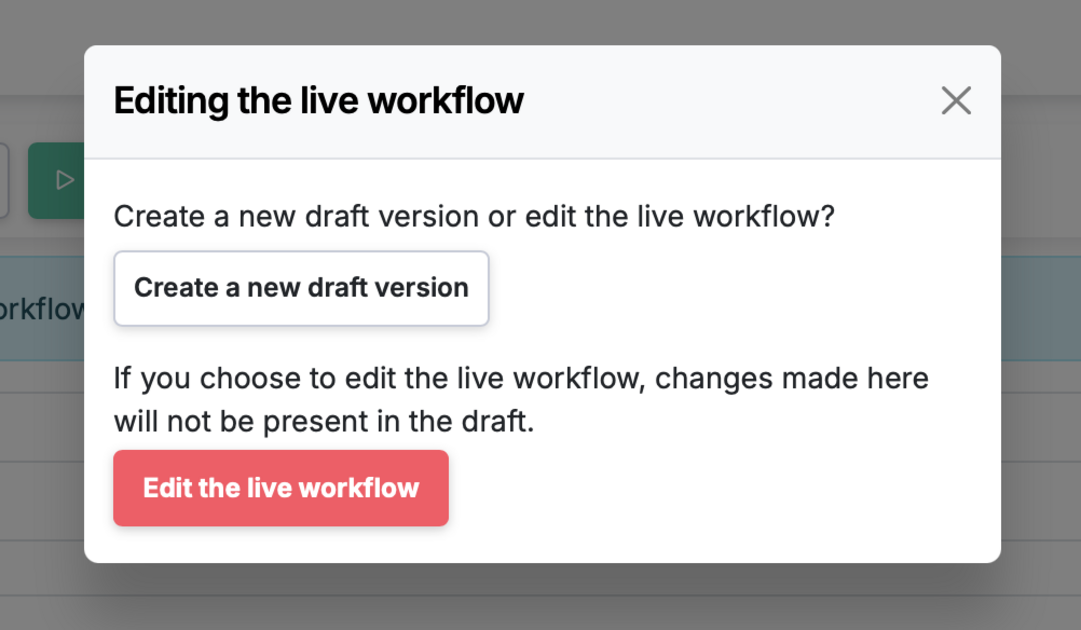
Workflow Versioning
Edit safely, publish with confidence, and roll back anytime—Workflow Versioning gives you drafts, history, and restore
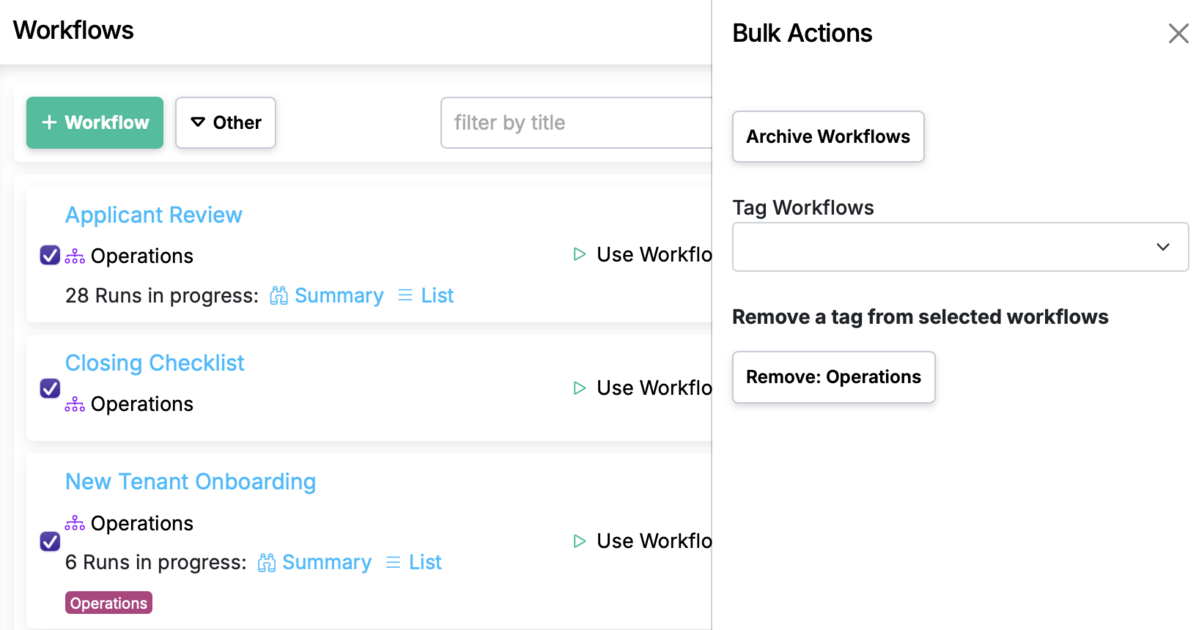
Bulk workflow actions for archive and tagging
Select multiple workflows and apply bulk Archive or Tag actions in one
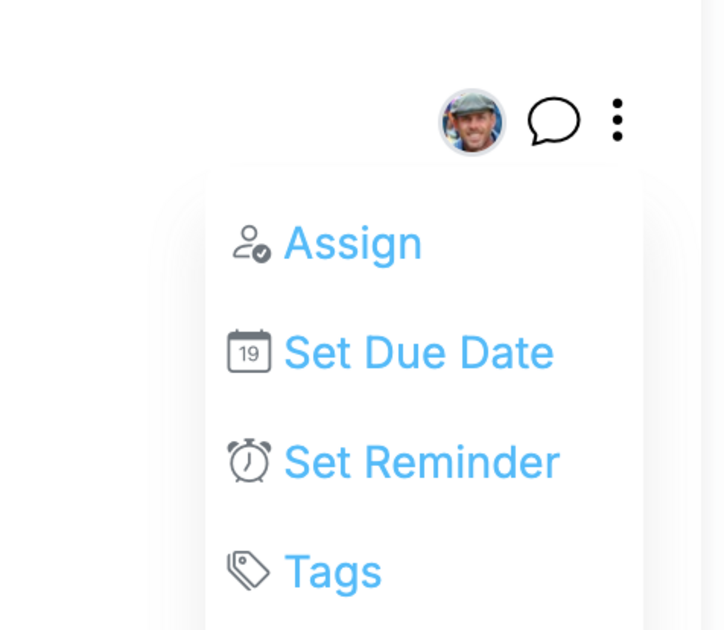
Run step tags
Tag run steps on the fly and filter the run to see only those steps with that tag
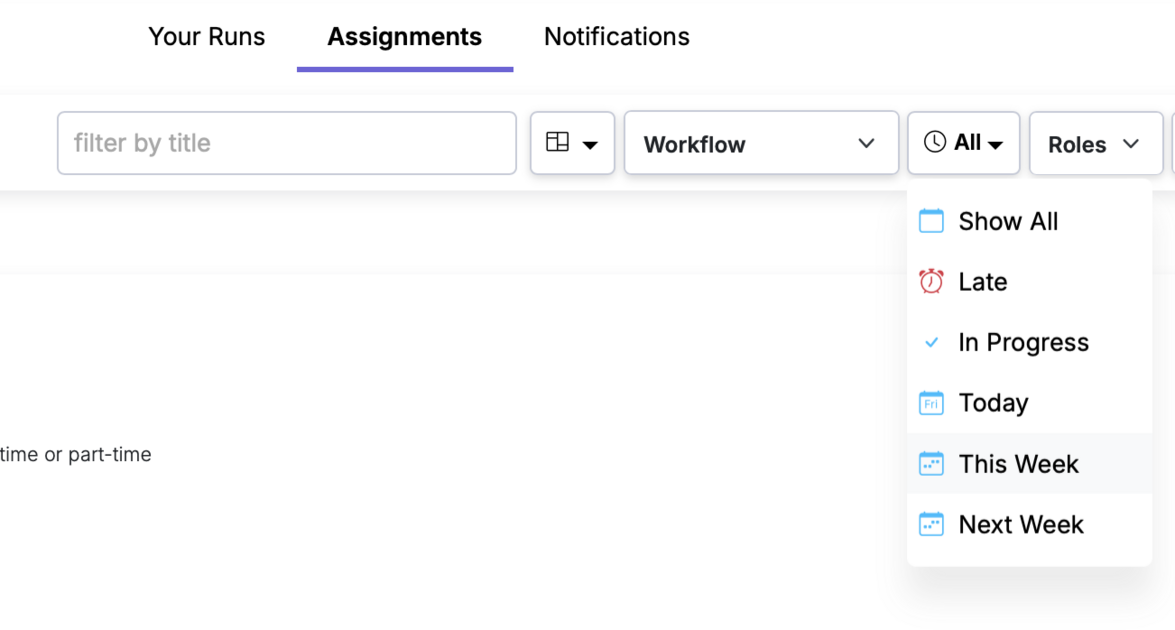
Filter assignments and steps due today, this week, next week
See what’s due now—filter assignments and steps for Today, This Week, or Next Week.
Dashboard item sharing
Share any dashboard item with teammates in your account, so everyone can see the same lists
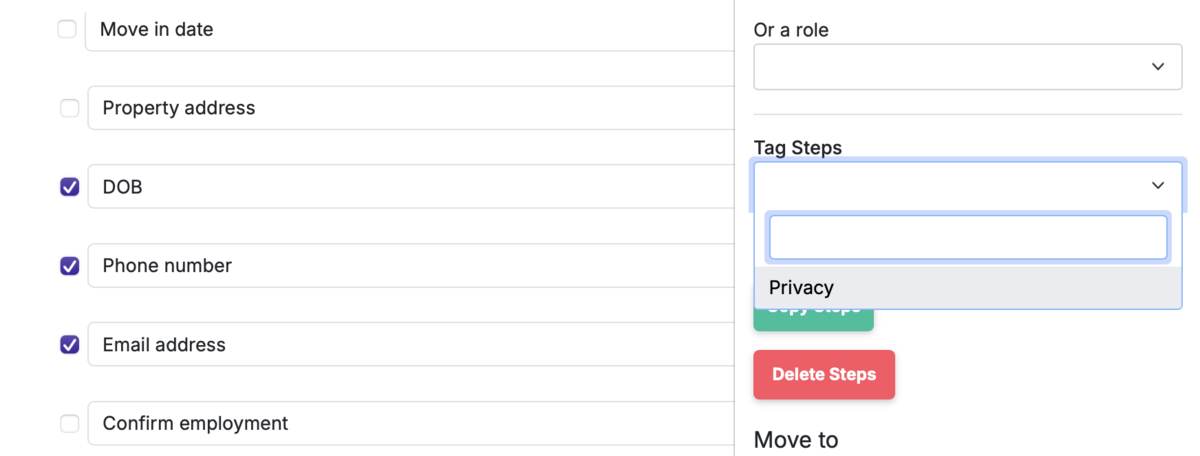
Tag steps
Tag steps in the workflow; every run inherits those tags, then filter run steps by tag to focus fast
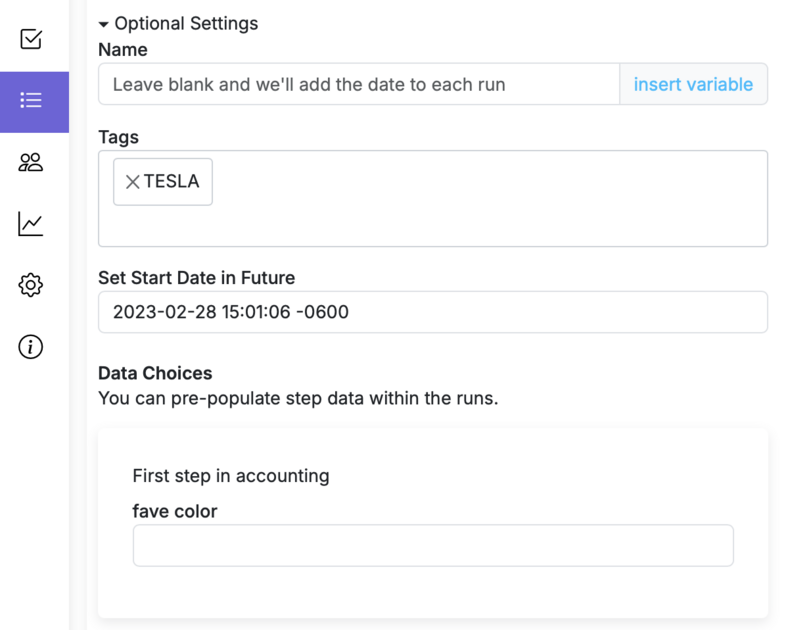
Set run data choices when configuring a schedule
Predefine the data each scheduled run should use—choose values per occurrence to standardize and save time
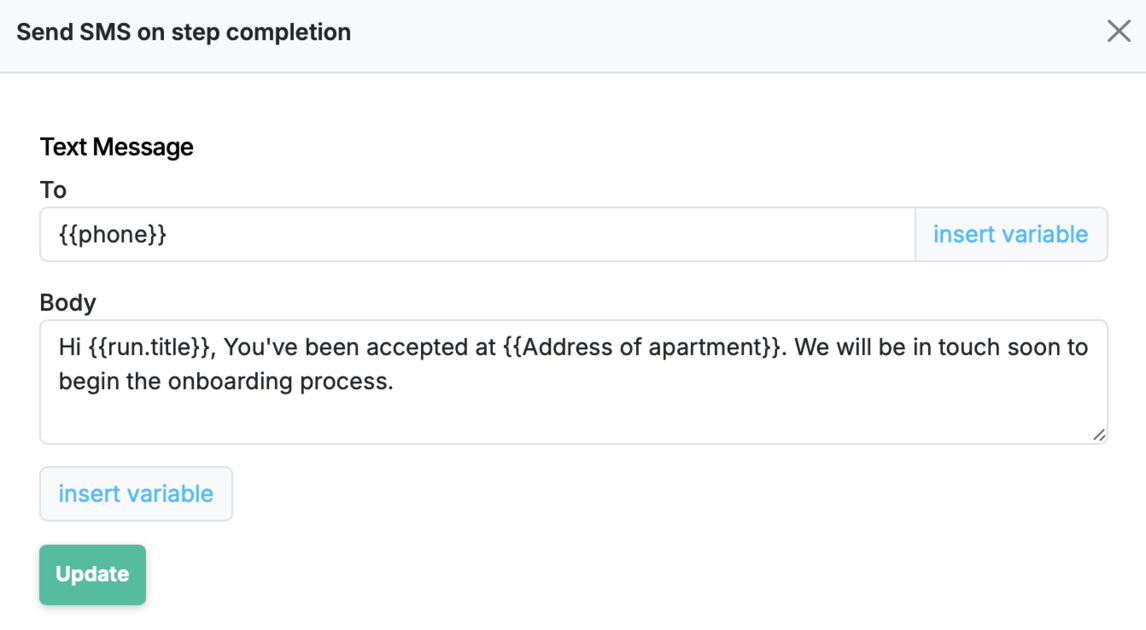
Send SMS Messages when a Step is Completed
Configure a workflow step to automatically send an SMS message when it's completed.
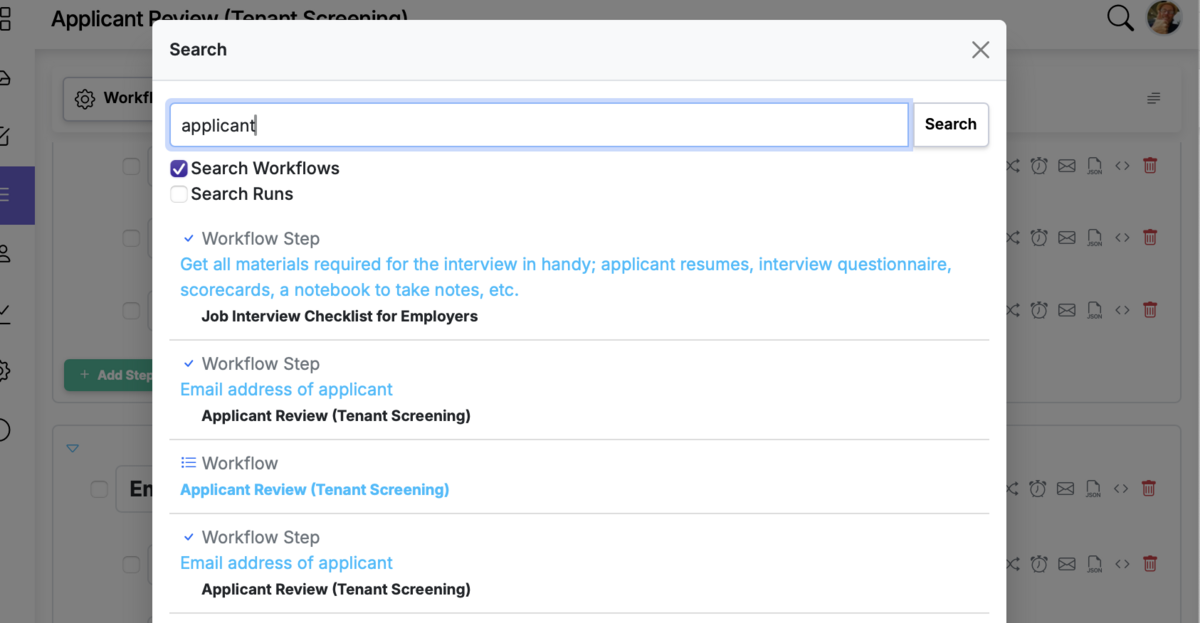
Scoped Global Search
Find exactly what you need faster—limit global search to Workflows or Runs
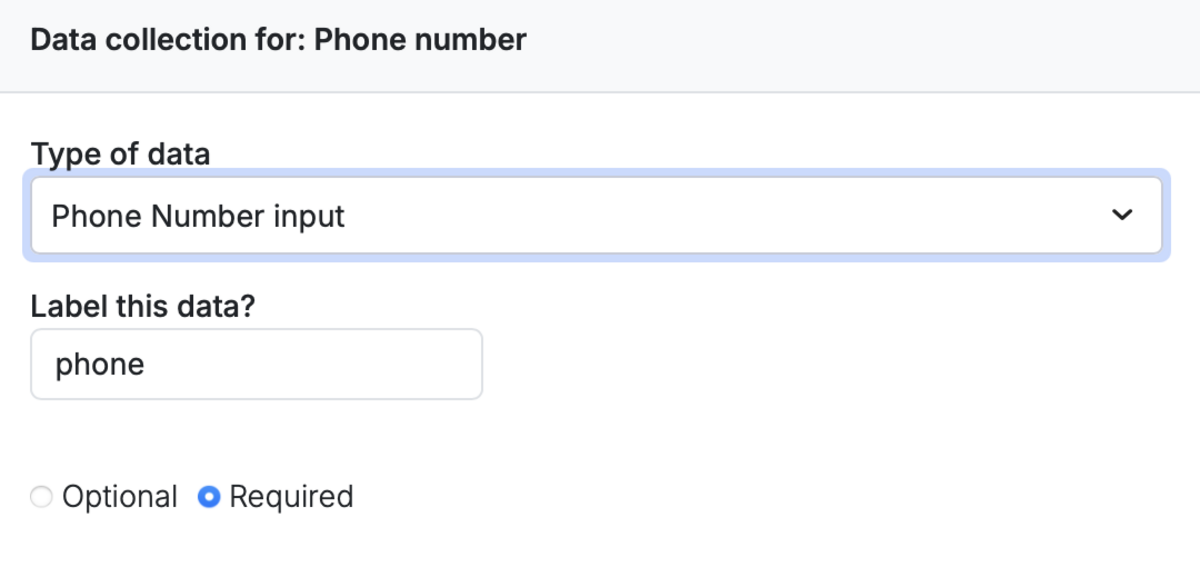
Phone number data collection
Collect a validated phone number in your runs—ready for integrations and SMS automations
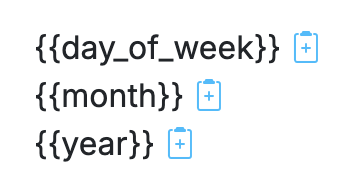
Date tokens in recurring run titles
Customize the title of your recurring runs by using date related tokens for day of week, month, and year.
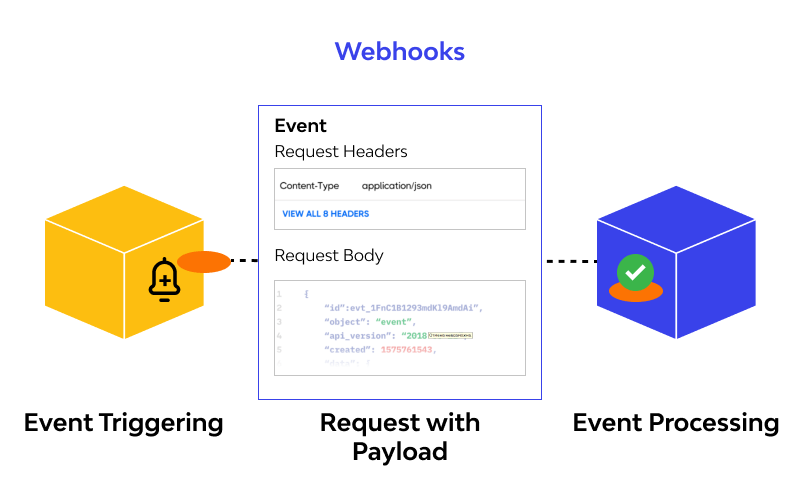
Additional hook events added to workflows
We've added more hook events to workflows in order to provide more ability to integrate manifestly with other systems on the web.
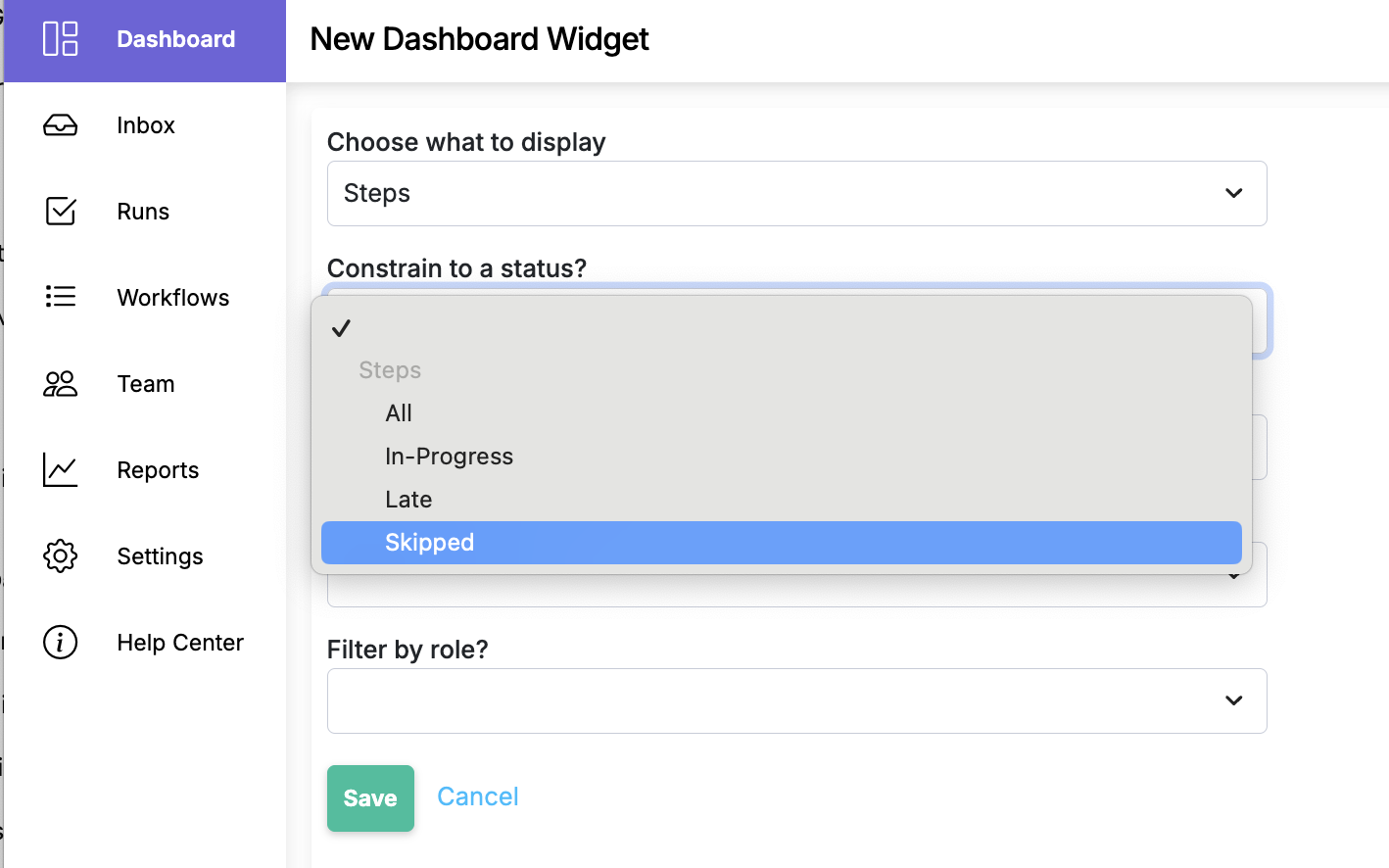
Add dashboard item for skipped steps
Spot previously skipped steps at a glance and quickly address process gaps.
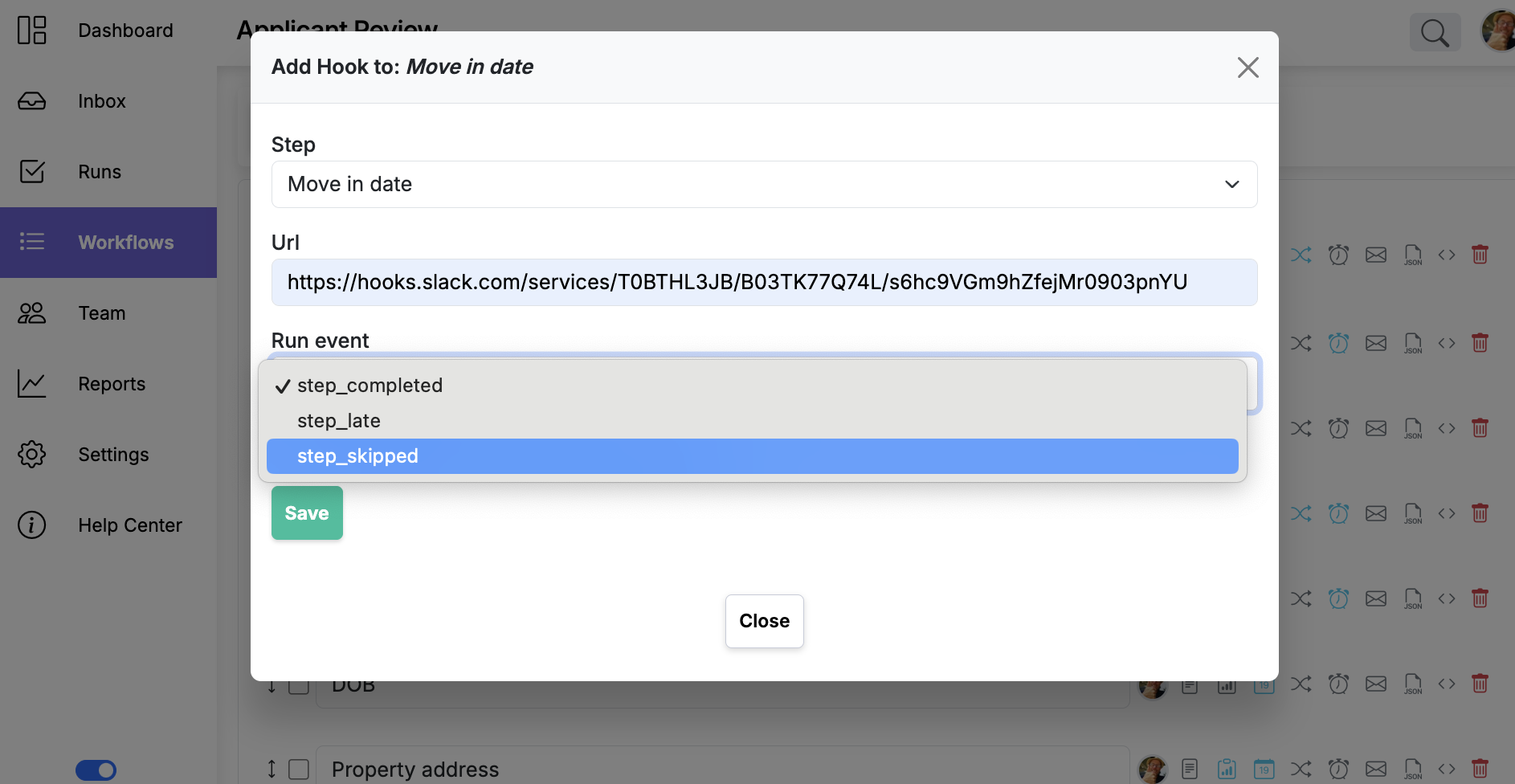
Add hook for event skip step
Easily trigger follow-up actions whenever a step in your process is skipped.
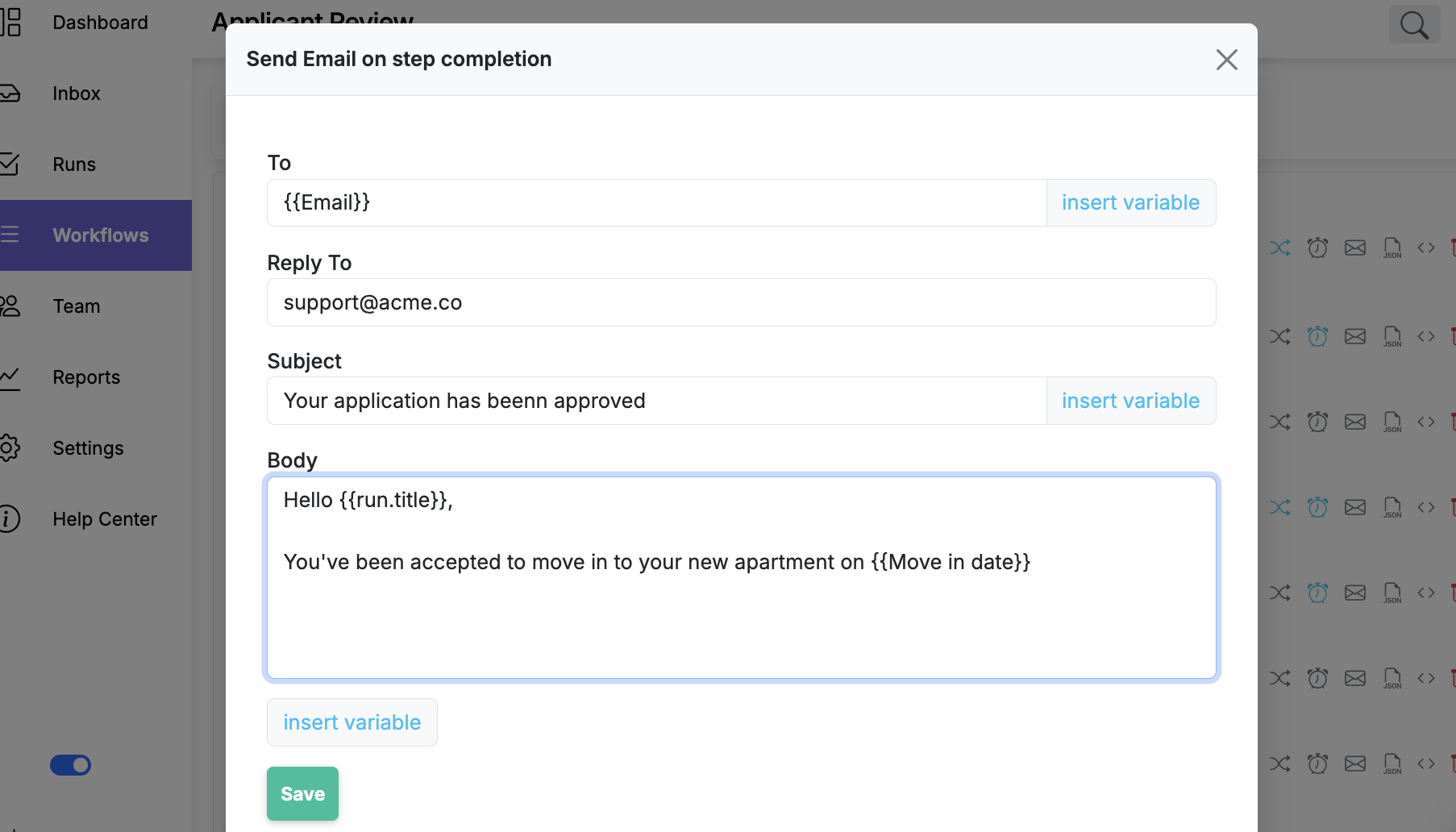
Send a customized email on step completion
Customize an email to be sent when a step in your workflow is completed.
Add existing user to a department
Seamlessly place existing team members into departments to keep your org structure clear.

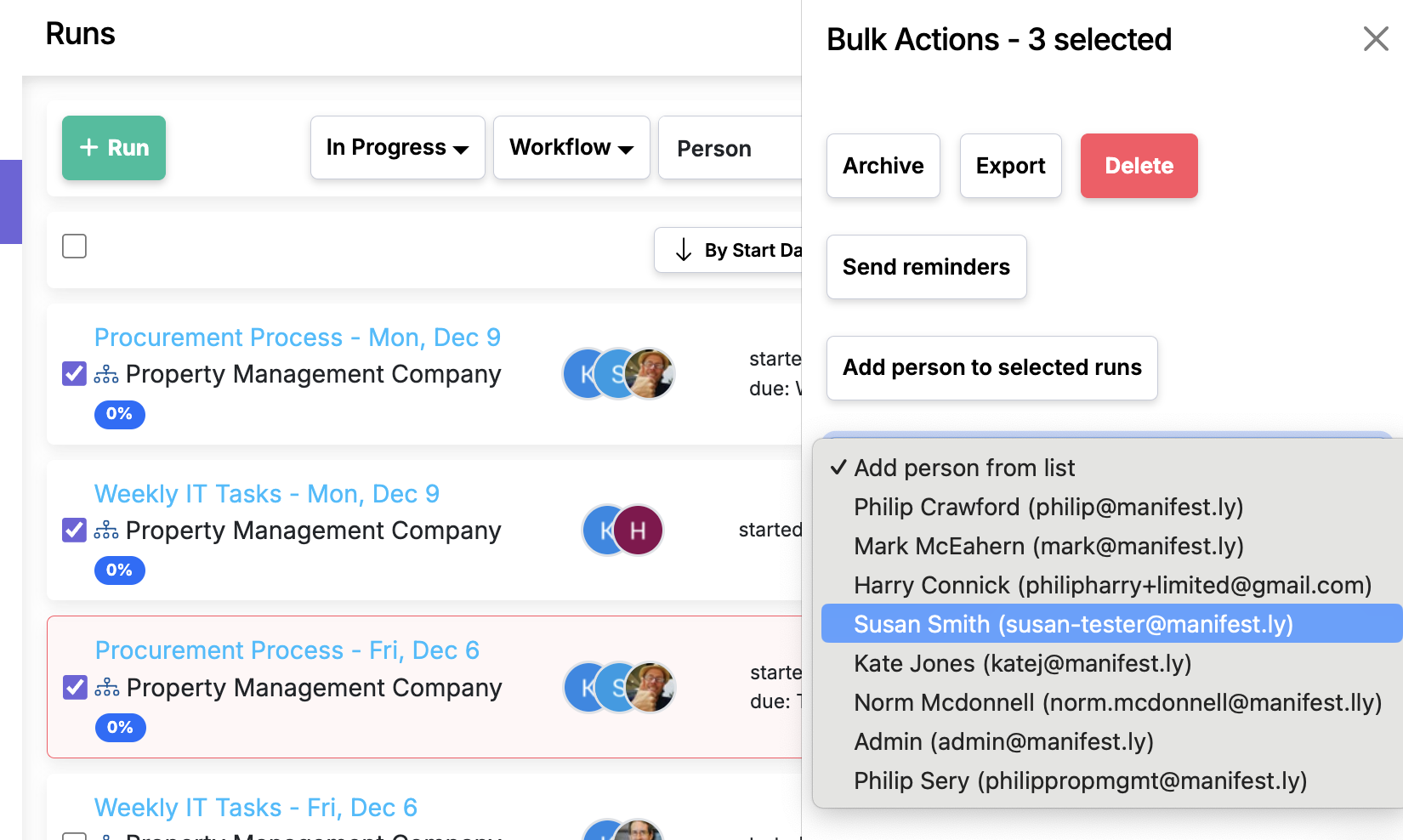
Bulk assignment of run participants on the runs page
Streamline workload distribution by assigning multiple runs to your team in one step.
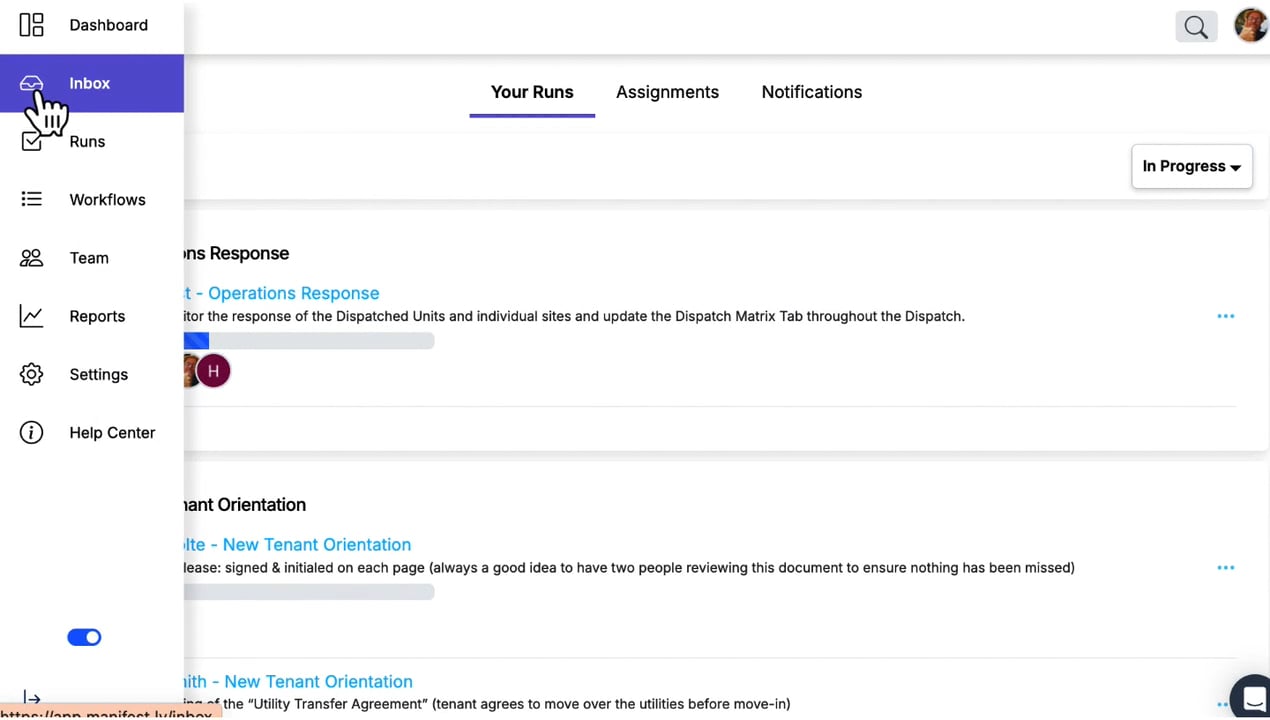
Inbox page for assignments, your runs, tasks
Stay organized with a central inbox that shows all your assignments, runs, and tasks in one place.
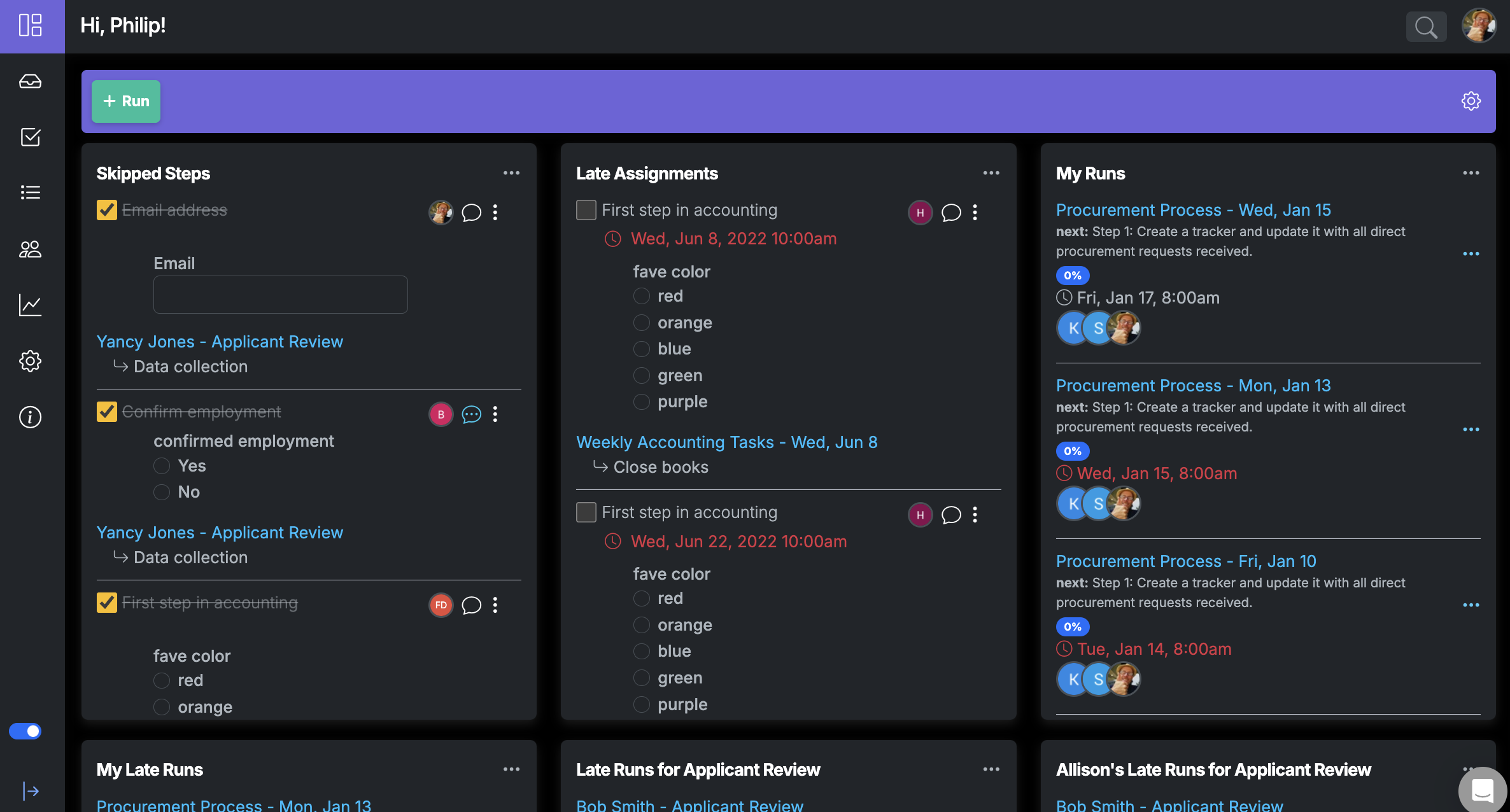
New User Interface with Dark Mode
Manifestly’s new UI is here, now featuring Dark Mode to enhance your workflow experience!
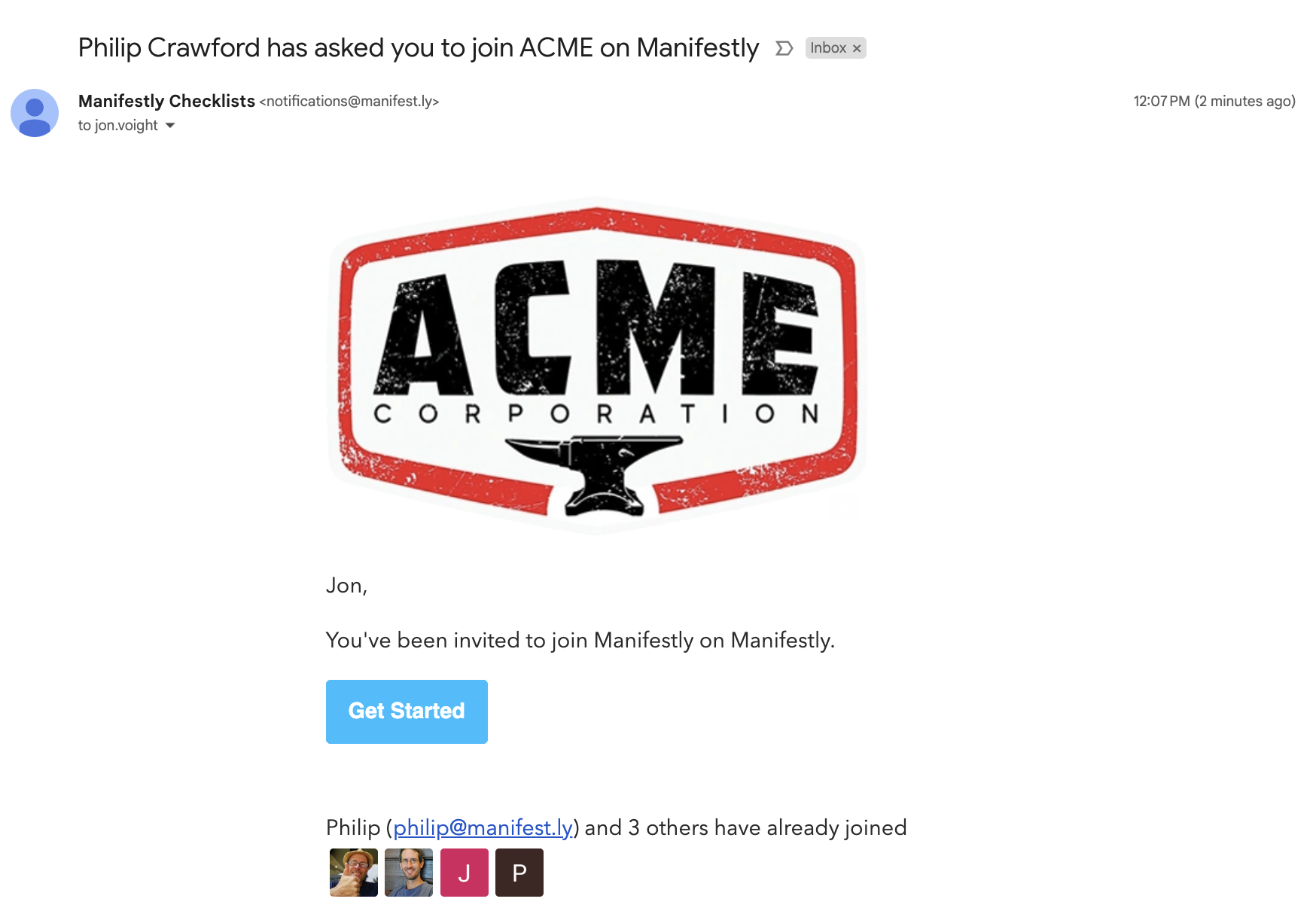
Custom Branding
Create a branded environment by customizing your workspace with a company-specific logo.
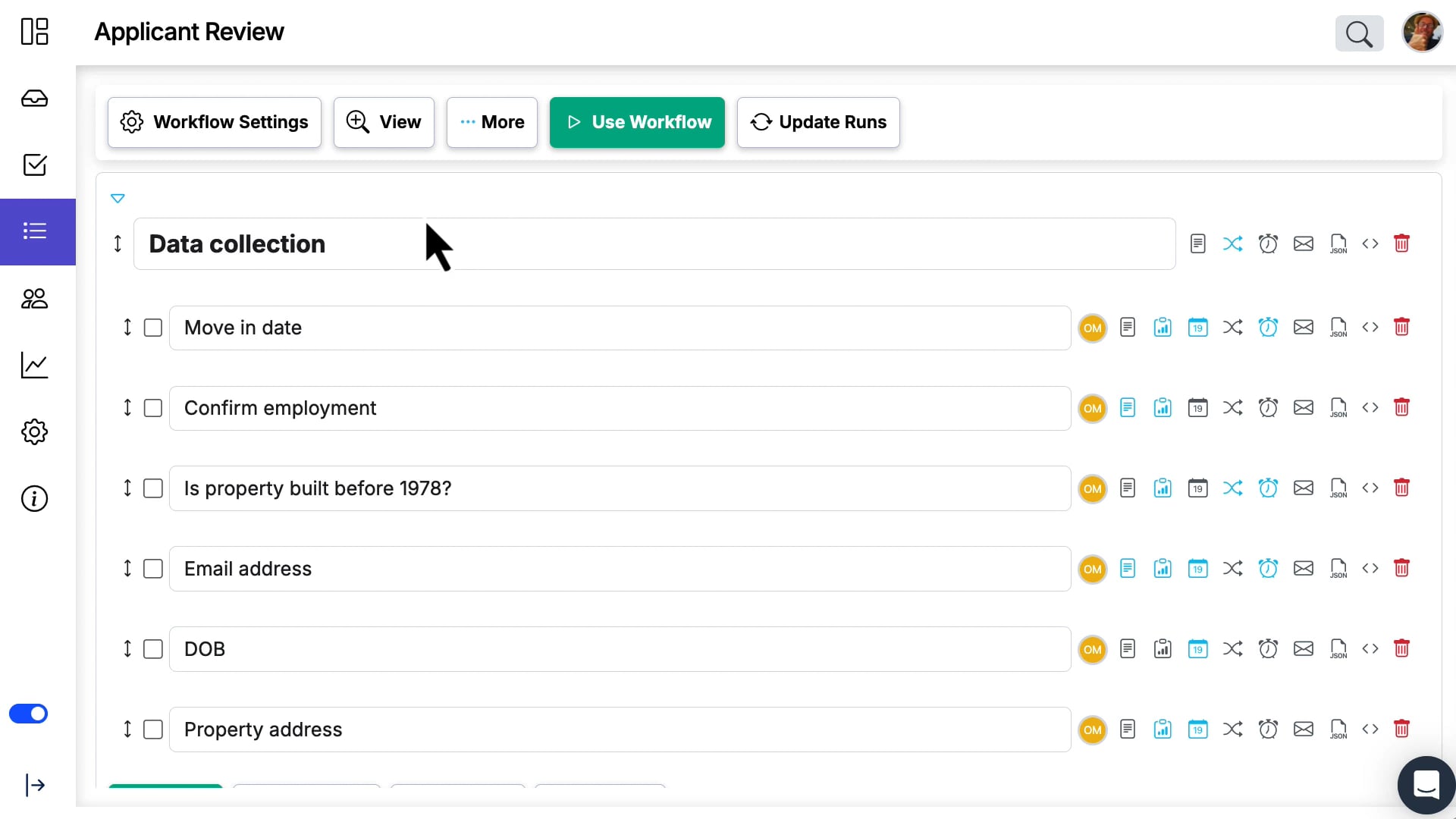
New workflow editor
Enjoy a cleaner, more intuitive experience when setting up your workflows from scratch.
Support for OR conditionals operator
Create more flexible and adaptable workflows with the new OR operator for conditional logic.
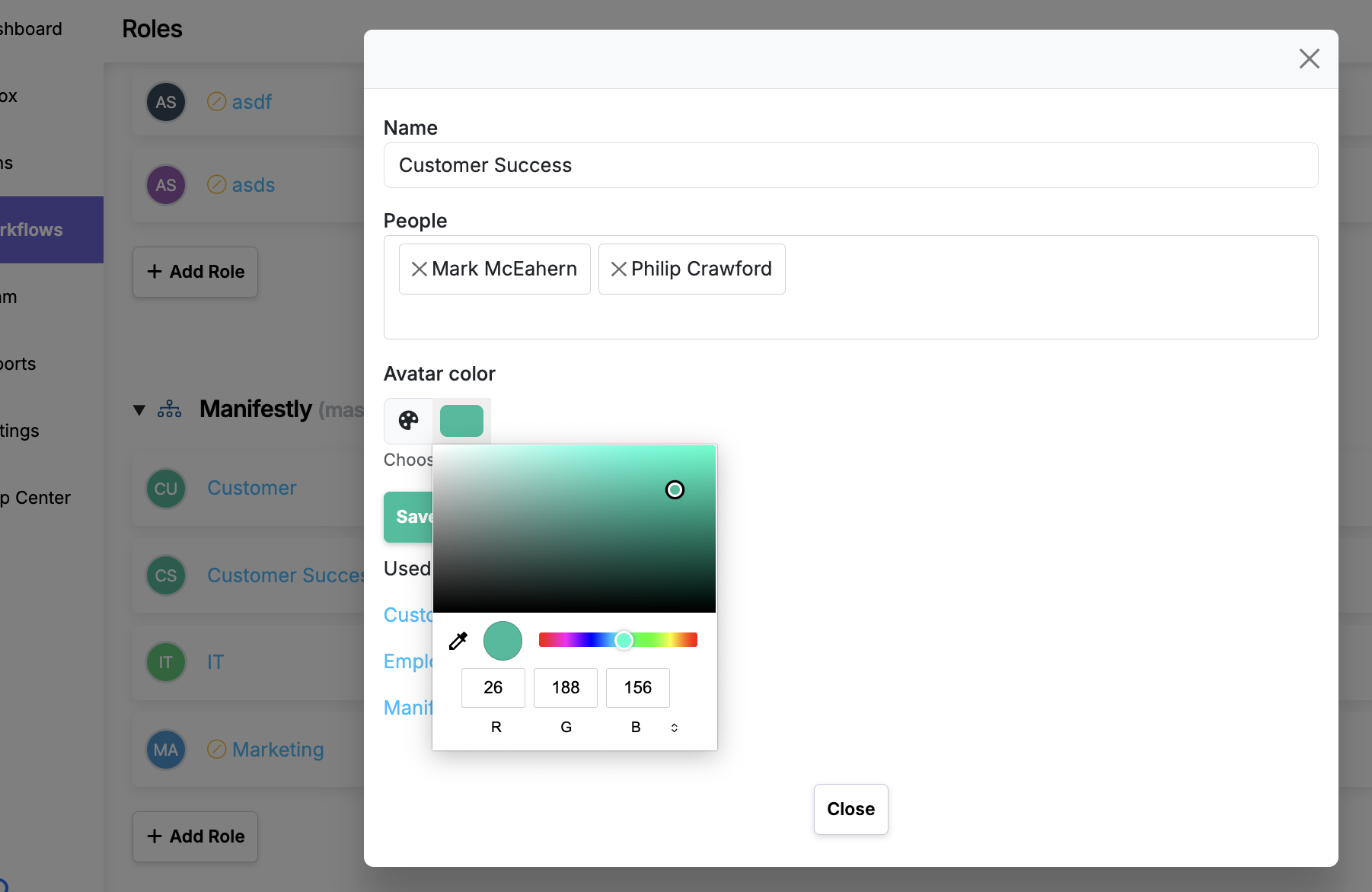
Make role color customizable
Customize the roles colors for improved UI and to match your organization.
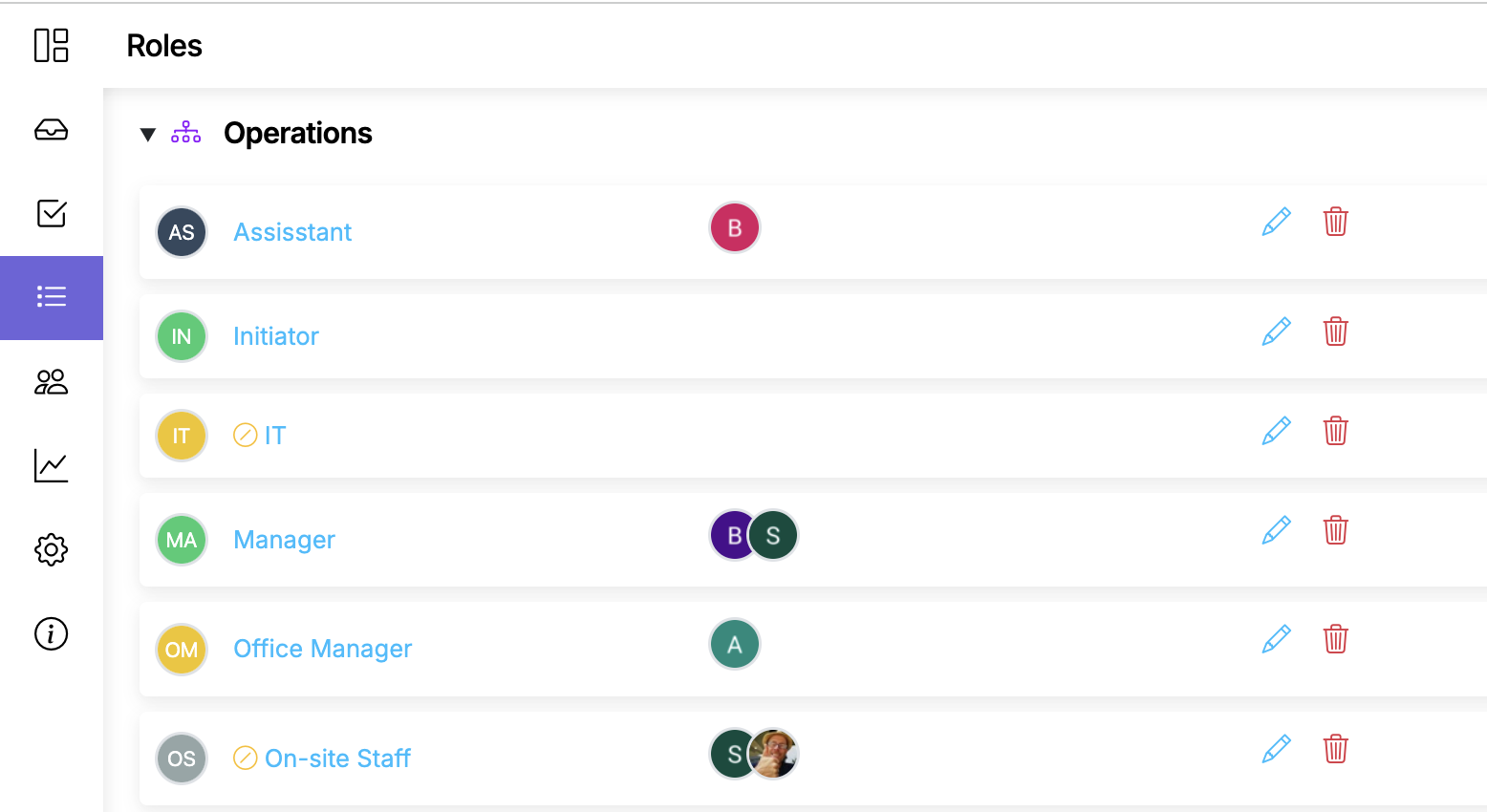
New page to manage roles
Manage all the roles used in workflows across departments.
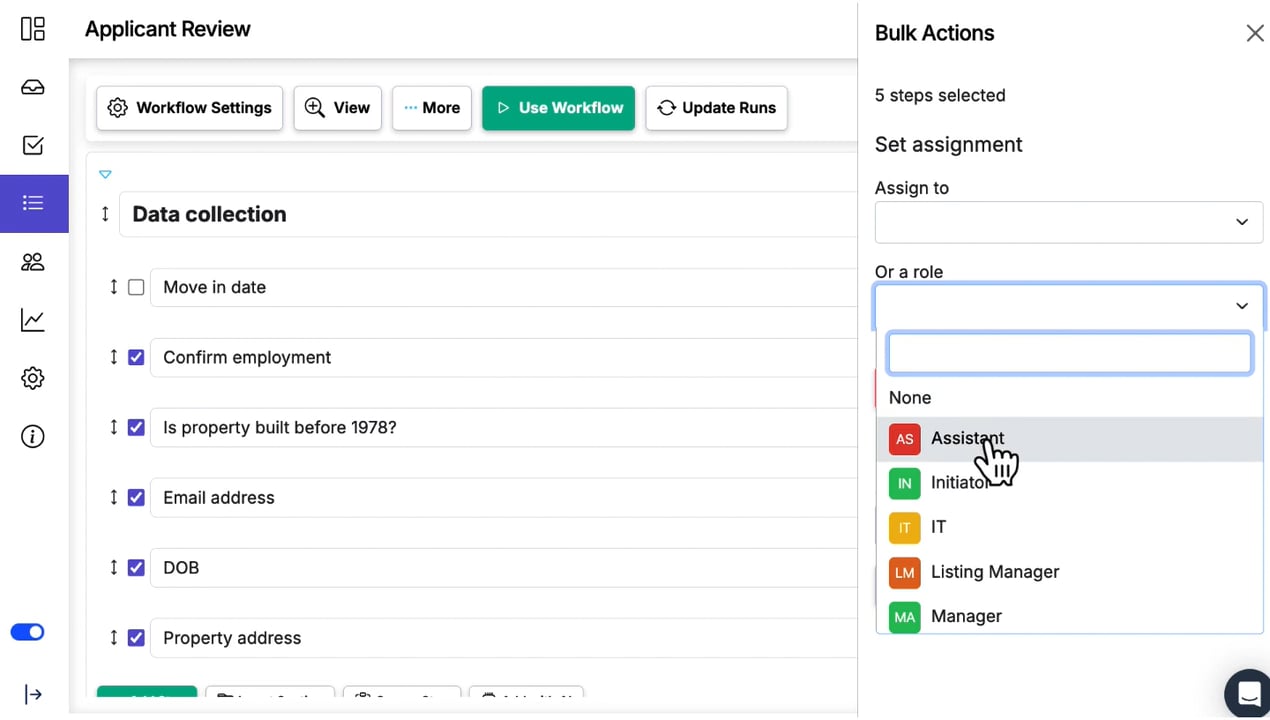
Change role assignments in bulk
In the updated workflow edit page you can bulk assign steps to roles and people.
Tag removal in bulk
Keep your runs organized by removing or adding tags across multiple runs at once.
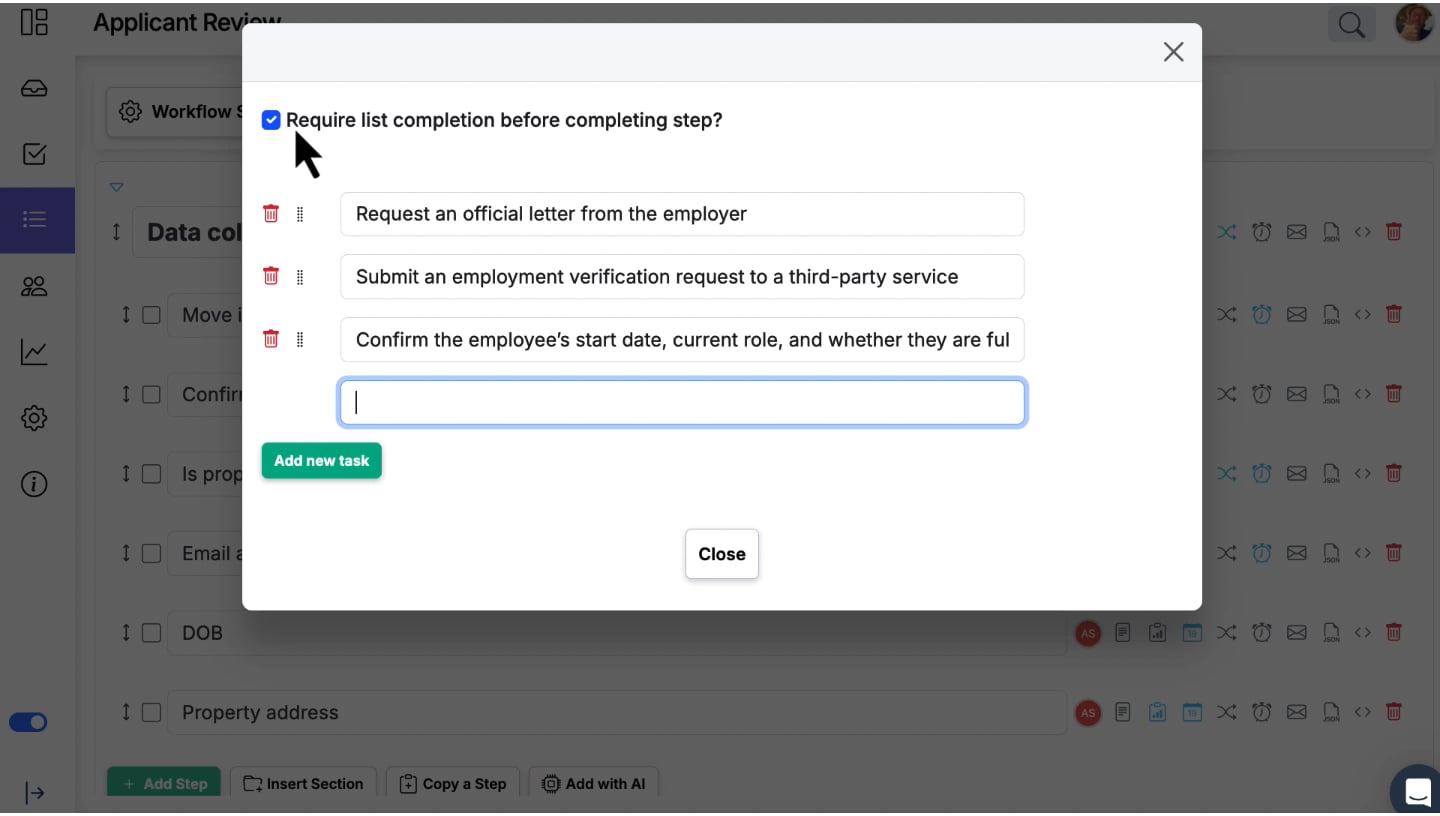
Introduce subtasks
Define lightweight subtasks for a step to help your team understand and follow a step by step process for completing a step.
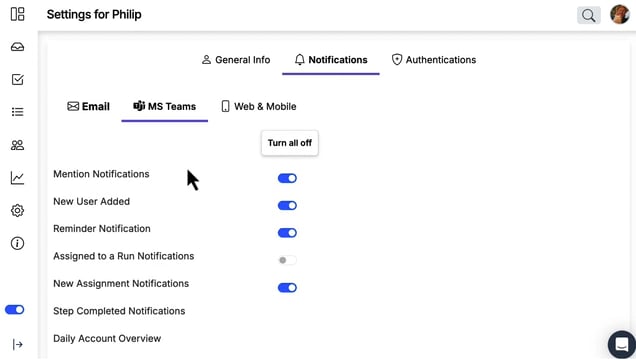
Ms teams notifications
Keep your team connected by sending important updates directly into Microsoft Teams.
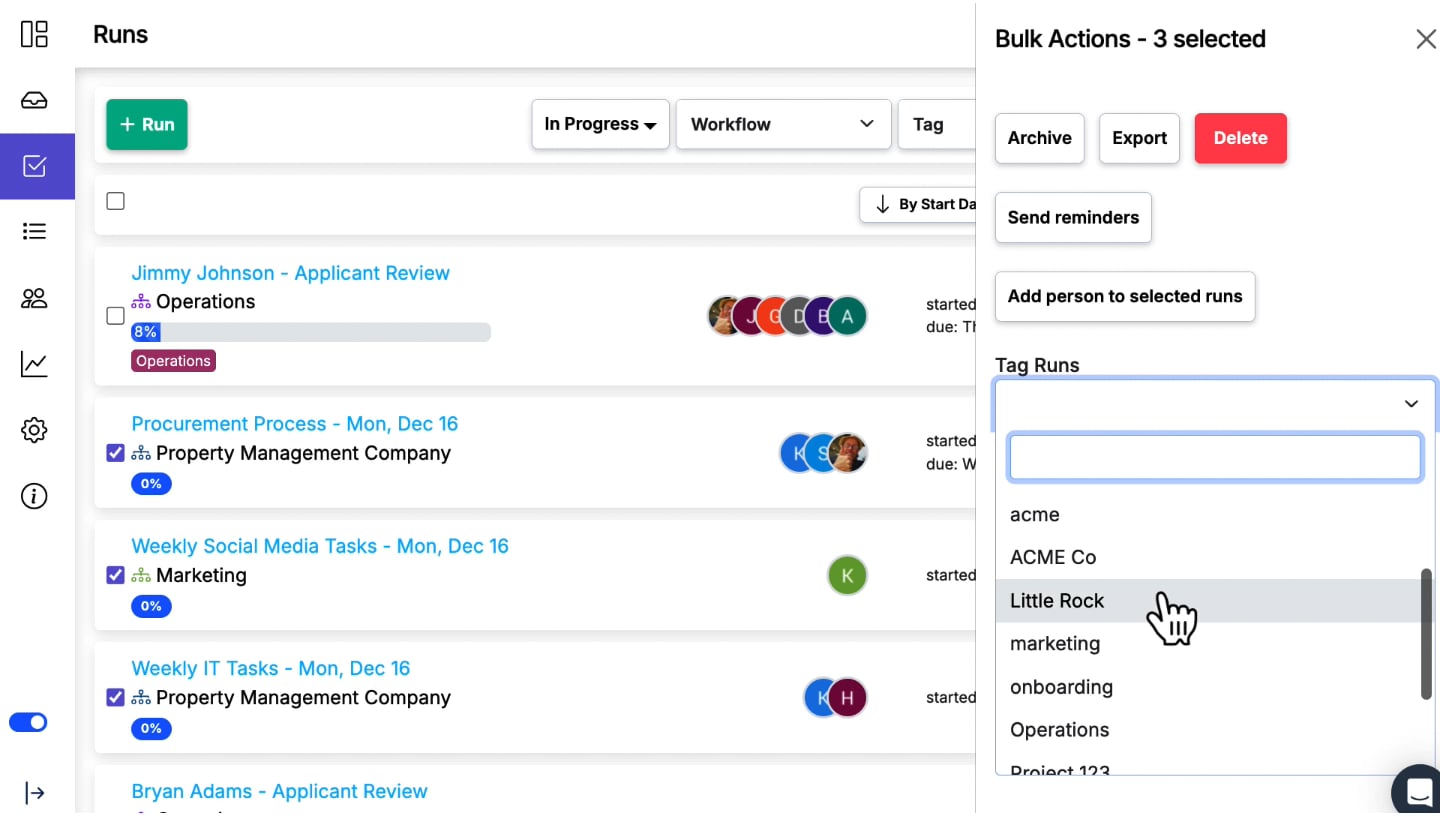
Bulk tagging
Effortlessly apply or remove tags to multiple runs at once, improving organization and filtering.
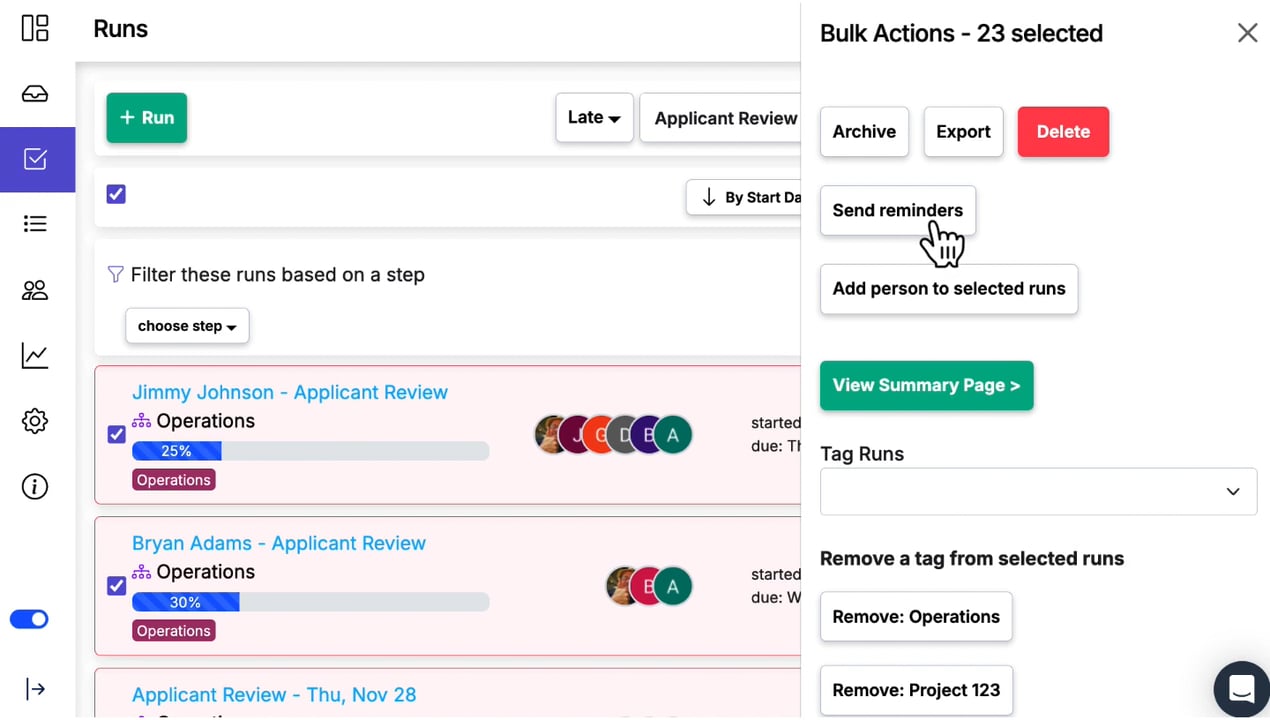
Bulk send of reminders to list of runs
Prompt multiple run owners at once to help ensure your team completes tasks on time.
Display assignments in a calendar
Visualize and manage your tasks within a timeline to plan ahead effectively.

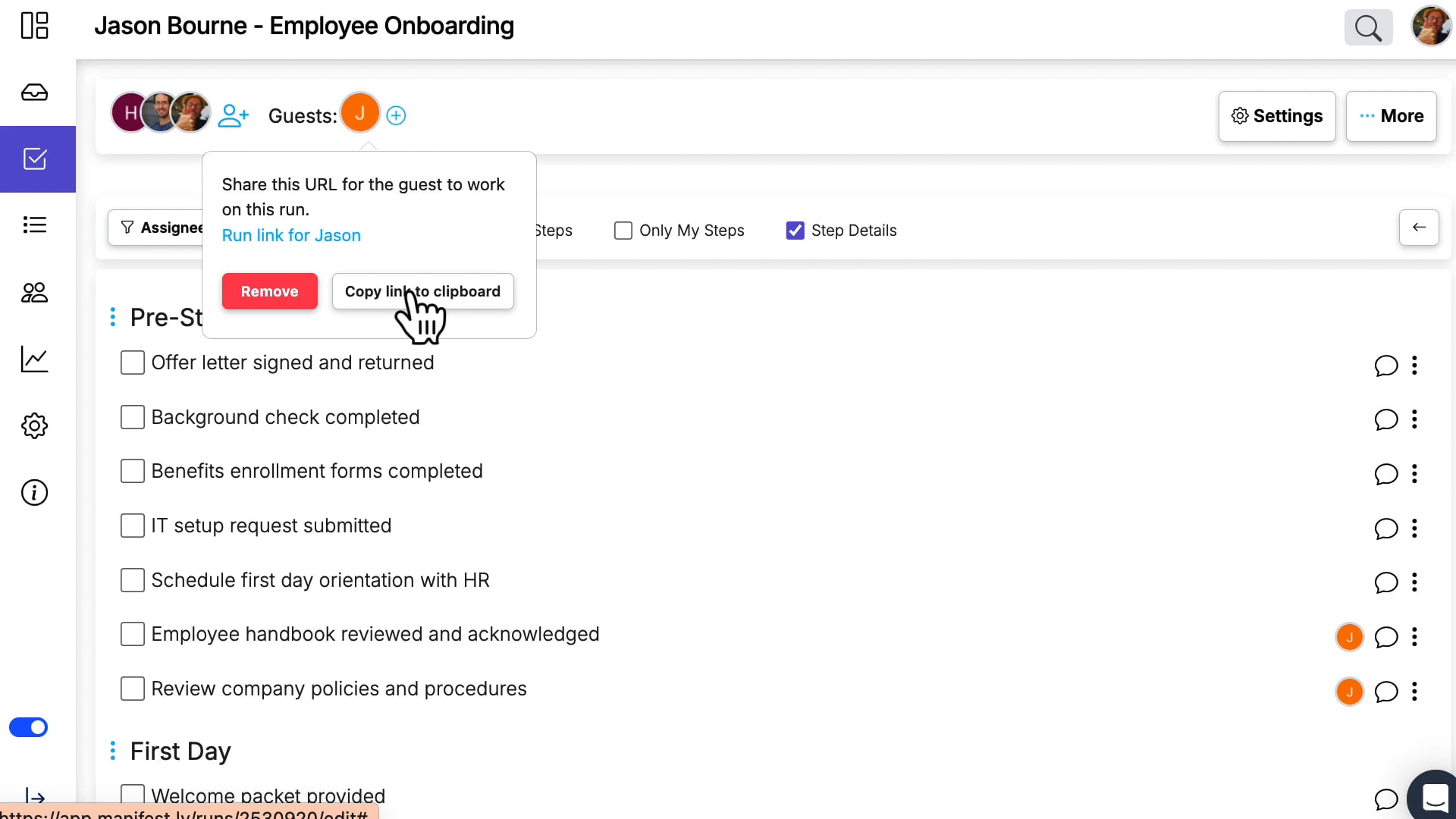
Guest Users on a Run
Invite external people to view or contribute to your workflow runs with ease.
New initiator role for person creating the run
The Initiator Role lets you automatically assign steps in the workflow to the person creating the new run.
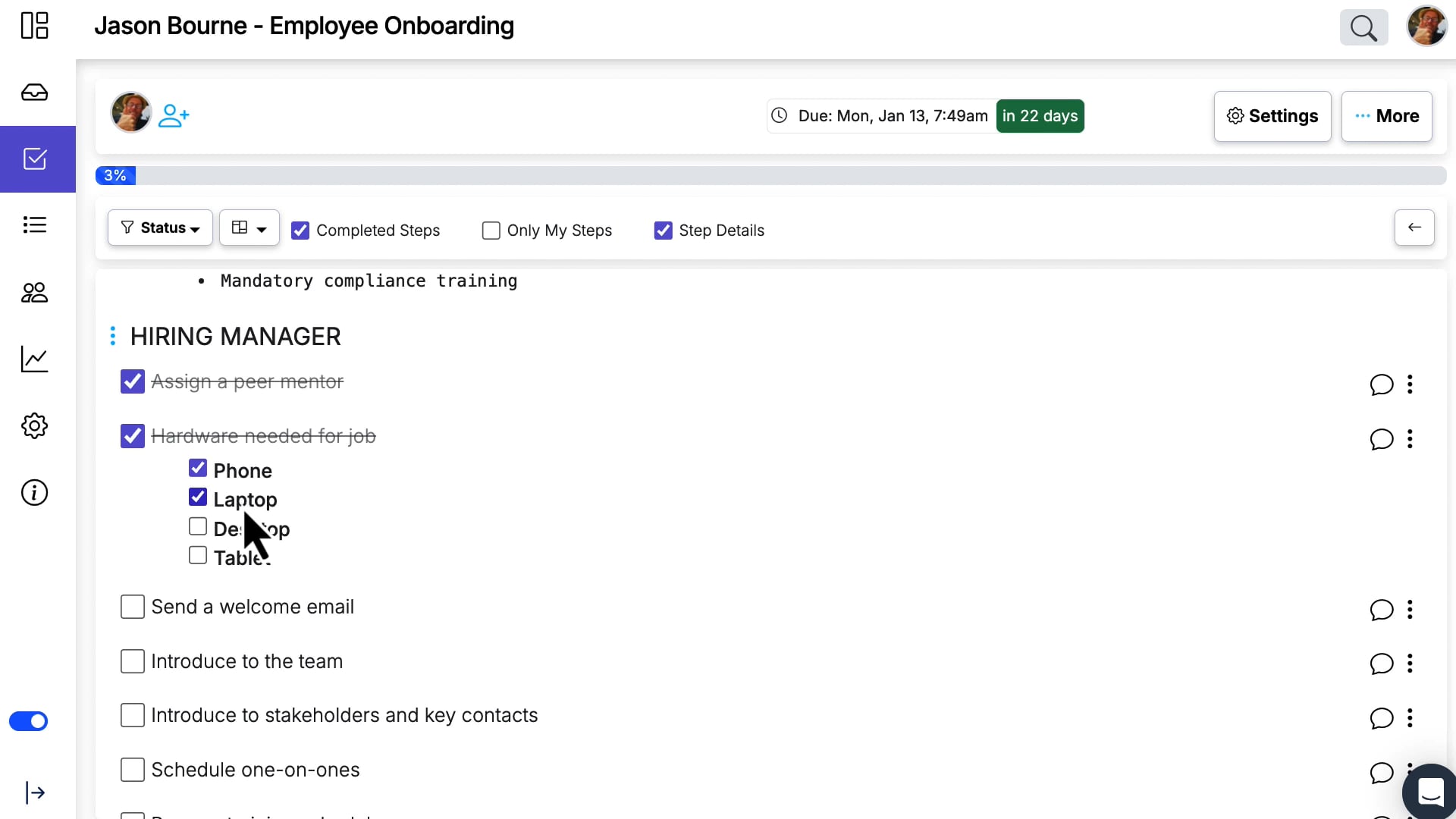
Multi select data setting
Choose multiple values at once to simplify data entry and increase workflow flexibility.
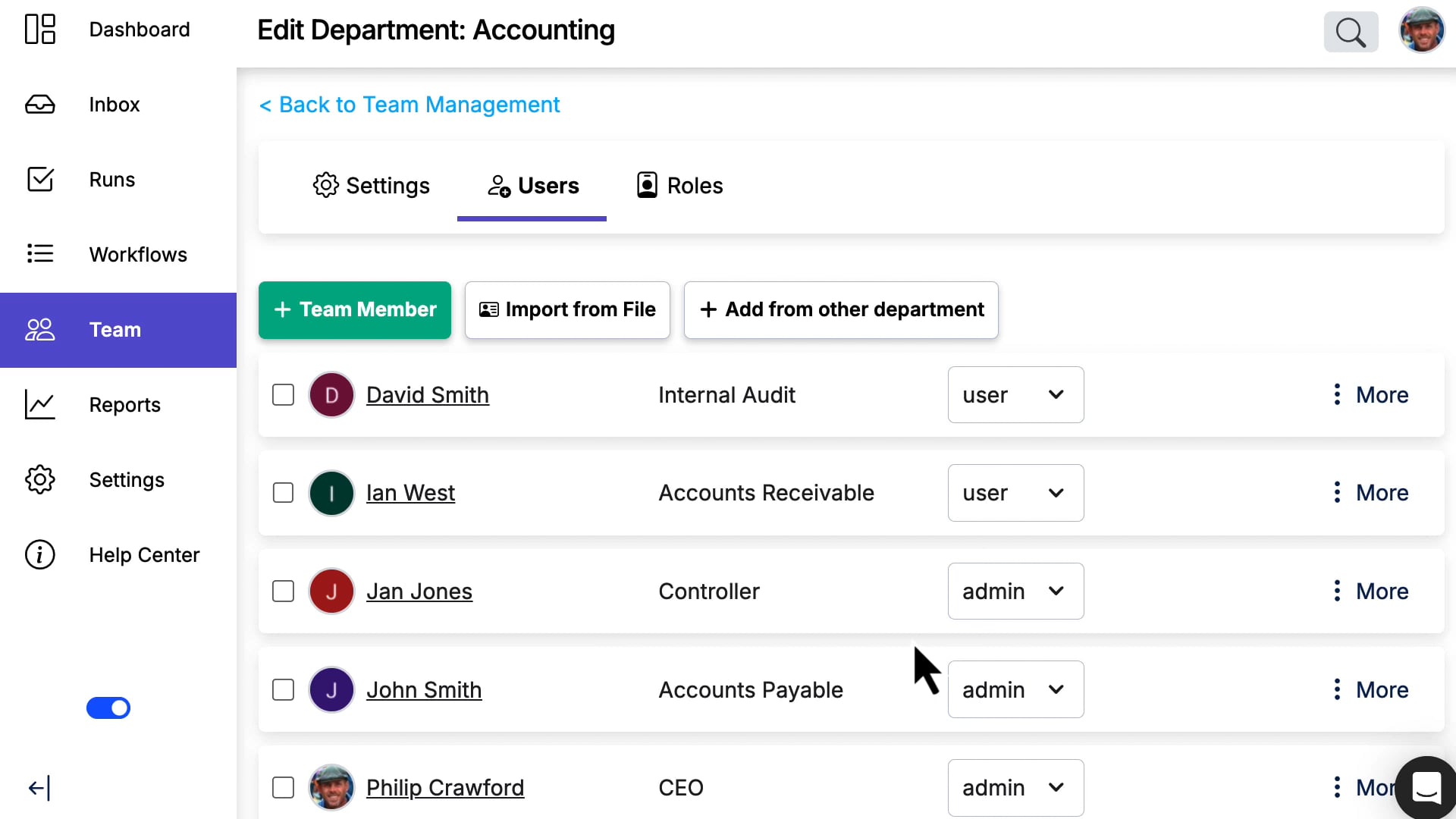
Bulk import users
Accelerate onboarding by importing large teams into your workspace all at once.
Workflow Management by Embedding Manifestly Checklists in Notion
Manifestly is a powerful checklist and task management tool designed specifically for managing recurring workflows. And now, with the ability to embed Manifestly within Notion, you can supercharge your productivity by combining the best of both platforms. In this blog post, we'll explore the benefits of integrating Manifestly with Notion and how this powerful combination can revolutionize the way you manage your tasks and processes.
OpenAI ChatGPT-4 Integration
The new Manifestly Checklists feature harnesses the power of OpenAI ChatGPT-4 to suggest workflow steps, sections, and titles with unparalleled accuracy.
Global Search
You can now easily search for a record in Manifestly from any page in Manifestly. Either click into the search box in the upper right of every page or type the slash / key that will automatically put your cursor in the search box

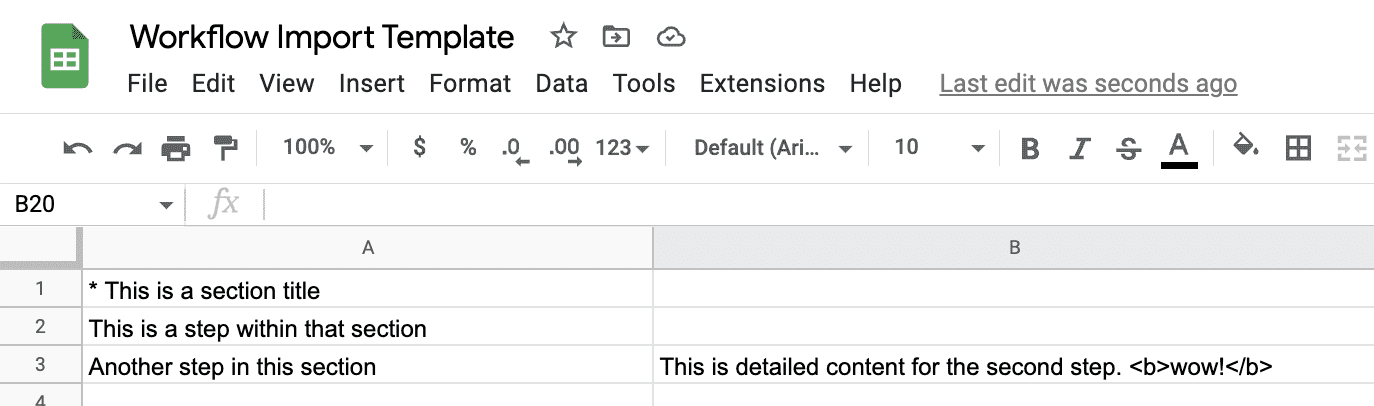
File Import of Workflows
You can now import workflows with steps and their descriptions directly from a spreadsheet.
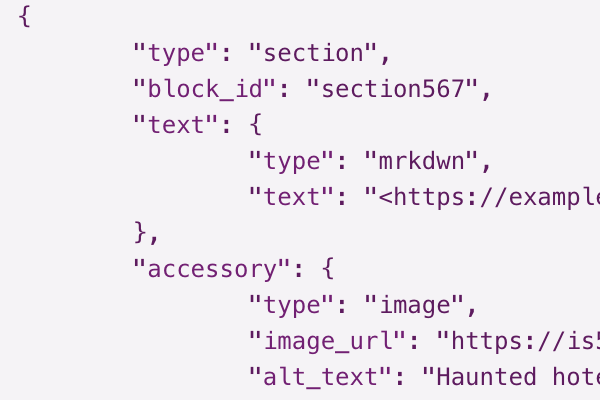
New Web Hook Events and Custom JSON
With two new events to connect with web hooks and the ability to define custom JSON payloads using content variables in the payload, our web hooks are the most powerful on the market. You can connect with any other online service to update databases and trigger other events.
Salesforce Integration - Beta Release
We have created a Salesforce integration that lets you launch workflow runs in Manifestly simply by clicking a button within Salesforce. We’ve also greatly improved the ability to update records in Salesforce when a Run or Step is completed in Manifestly.
Releases older than 4 years are archived.
Want a say in what ships next?
Tell us what your team needs — a lot of what we build starts as a customer request.