
Latest features
Run step tags
Run step tags
Released August 25, 2025
Tag run steps on the fly and filter the run to see only those steps with that tag
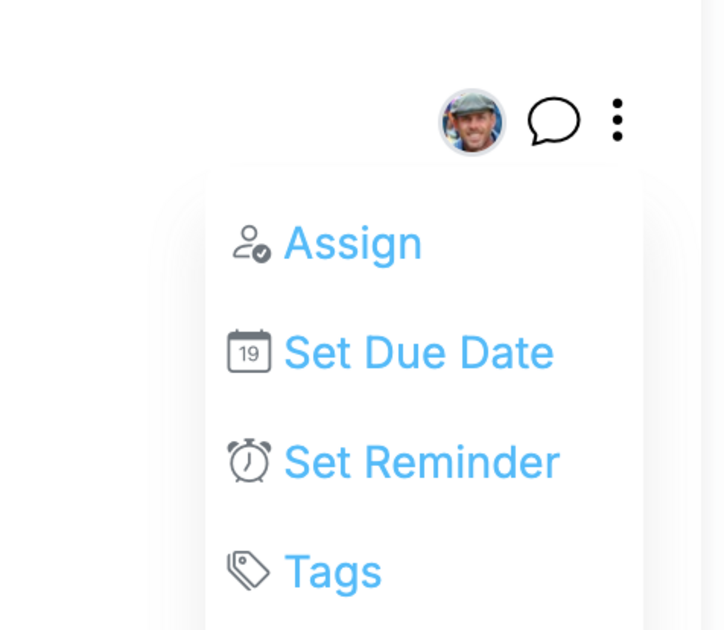
Add tags directly to run steps, then filter the run by those tags to focus work (e.g., Urgent, Client, QA).
Tag a run step
- Open a run and hover a step.
- Click Tags (or the tag icon) and add one or more tags.
- Tags save instantly and are visible to all run participants.
Filter in a run
- Use the tag filter (chips or filter menu) at the top of the run.
- Select one or more tags to show only matching steps.
- Clear the filter to return to all steps.
Notes
- Run-step tags are specific to that run (they don’t change the workflow).
- Combine with inherited workflow tags if present—filters respect both.
- Use consistent tag names for reliable filtering.
Examples
Urgent, Client, Prep, QA, Finance
Run step tags is live in every account
Open Manifestly to try it, or book a walkthrough with our team.