
Latest features
Workflow Versioning
Workflow Versioning
Released September 3, 2025
Edit safely, publish with confidence, and roll back anytime—Workflow Versioning gives you drafts, history, and restore
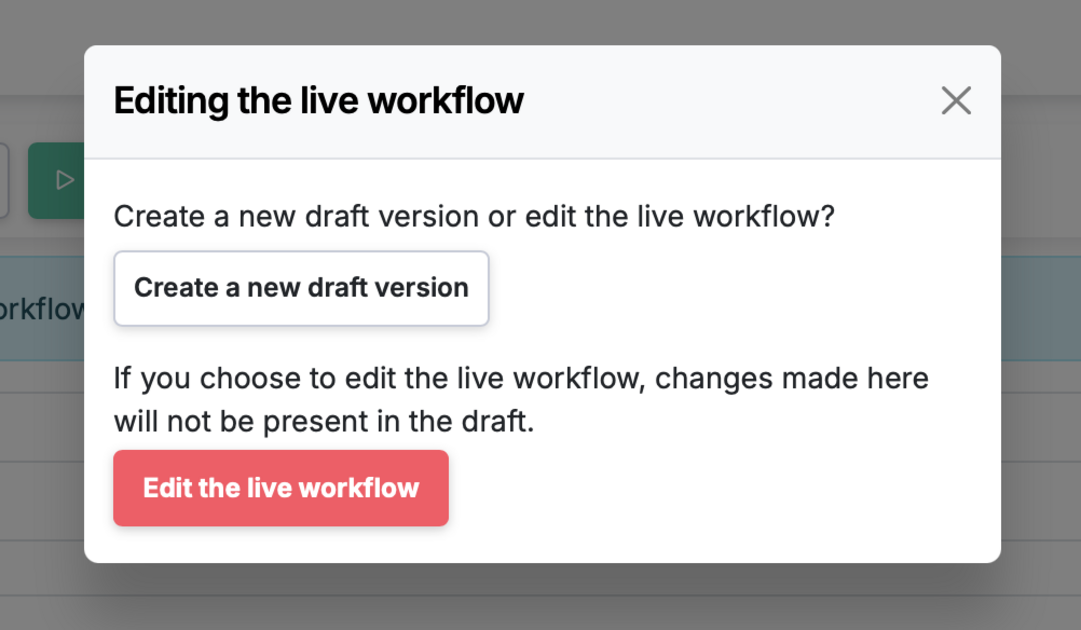
Make changes in a private Draft, keep a stable Published version for your team, and maintain a full version history with restore. Runs are always created from the published workflow.
How it works
- Draft Version vs. Published: Edit freely in Draft; create temporary runs to test your changes.
- Users continue to use the Published Workflow
- Version History: Each publish creates a new version with who/what/when, plus one-click restore for rollback.
- Audit & Compliance: Transparent change tracking builds an audit trail and team confidence.
Typical flow
- Create a new version of the workflow (changes save to Draft).
- Test the workflow version by creating runs, only seen by other admins.
- Once fully tested, publish the version as the new live workflow.
- If needed, restore a prior version.
Workflow Versioning is live in every account
Open Manifestly to try it, or book a walkthrough with our team.